A group used to be a one-shot tool: show the QR, everyone connects, and the page had nothing left to say. It now also gathers the transactions of the trip or the flat it was made for.
Tag a transaction with a group
Every transaction can carry one optional group. Add a transaction from a group's page and it is tagged automatically, along with everyone on the roster. Anywhere else, there is a Group control beside Date and Category in the transaction form.
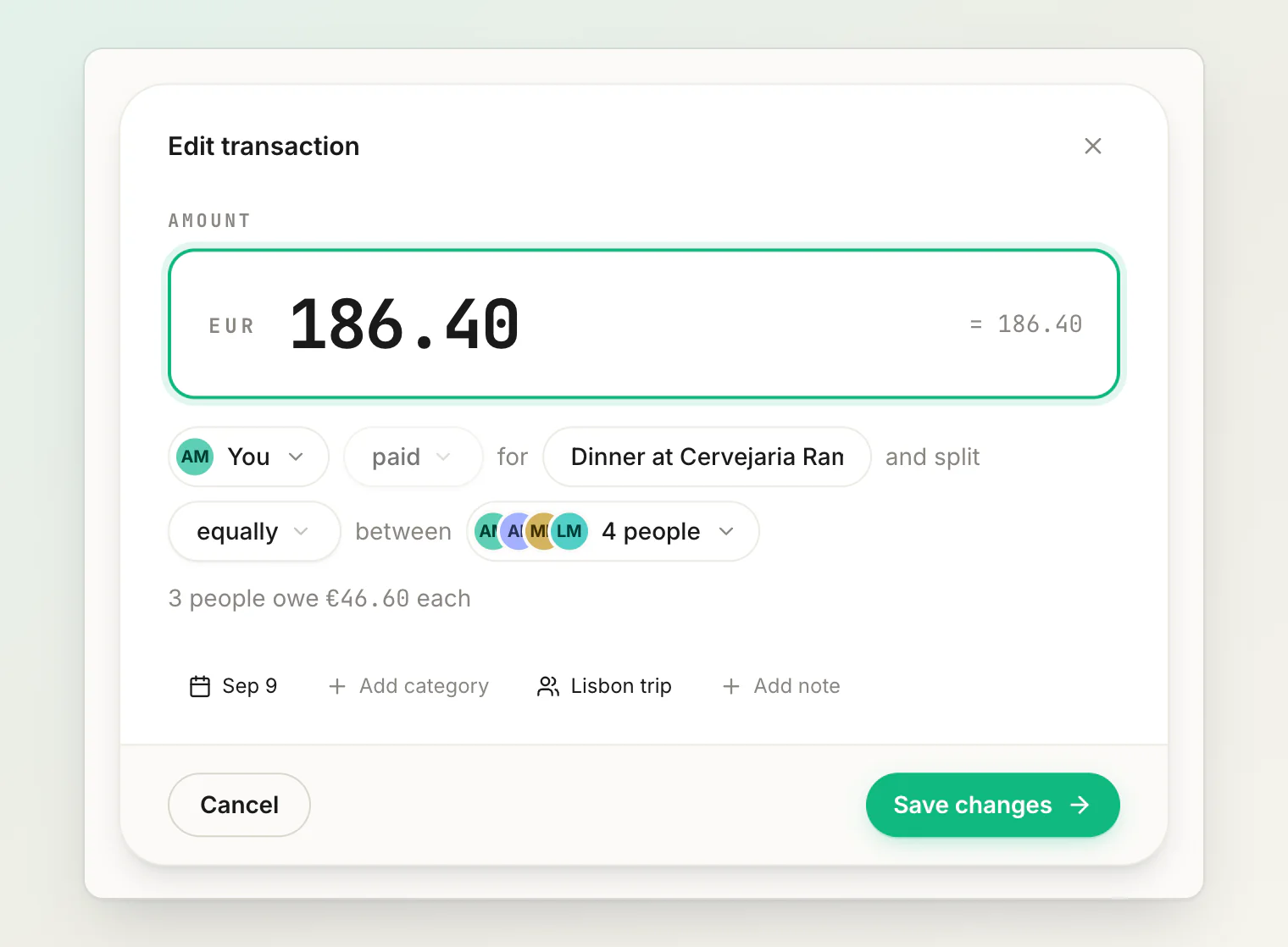
Already-saved transactions get a Group row in their details, so an expense recorded in a hurry can be filed later without redoing it.
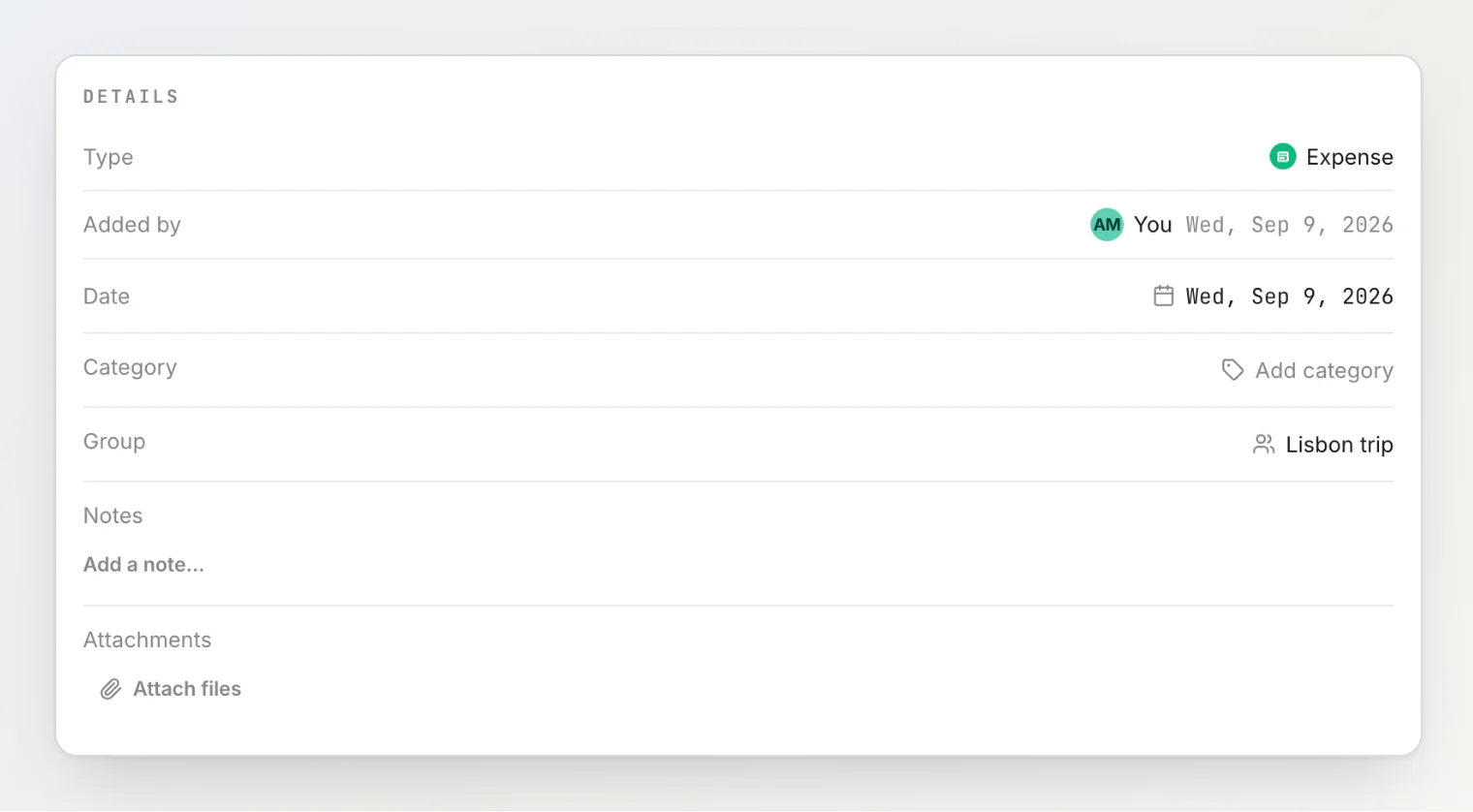
The control stays out of the way if you have never made a group — most people split with one other person and never need one.
The group page lists them
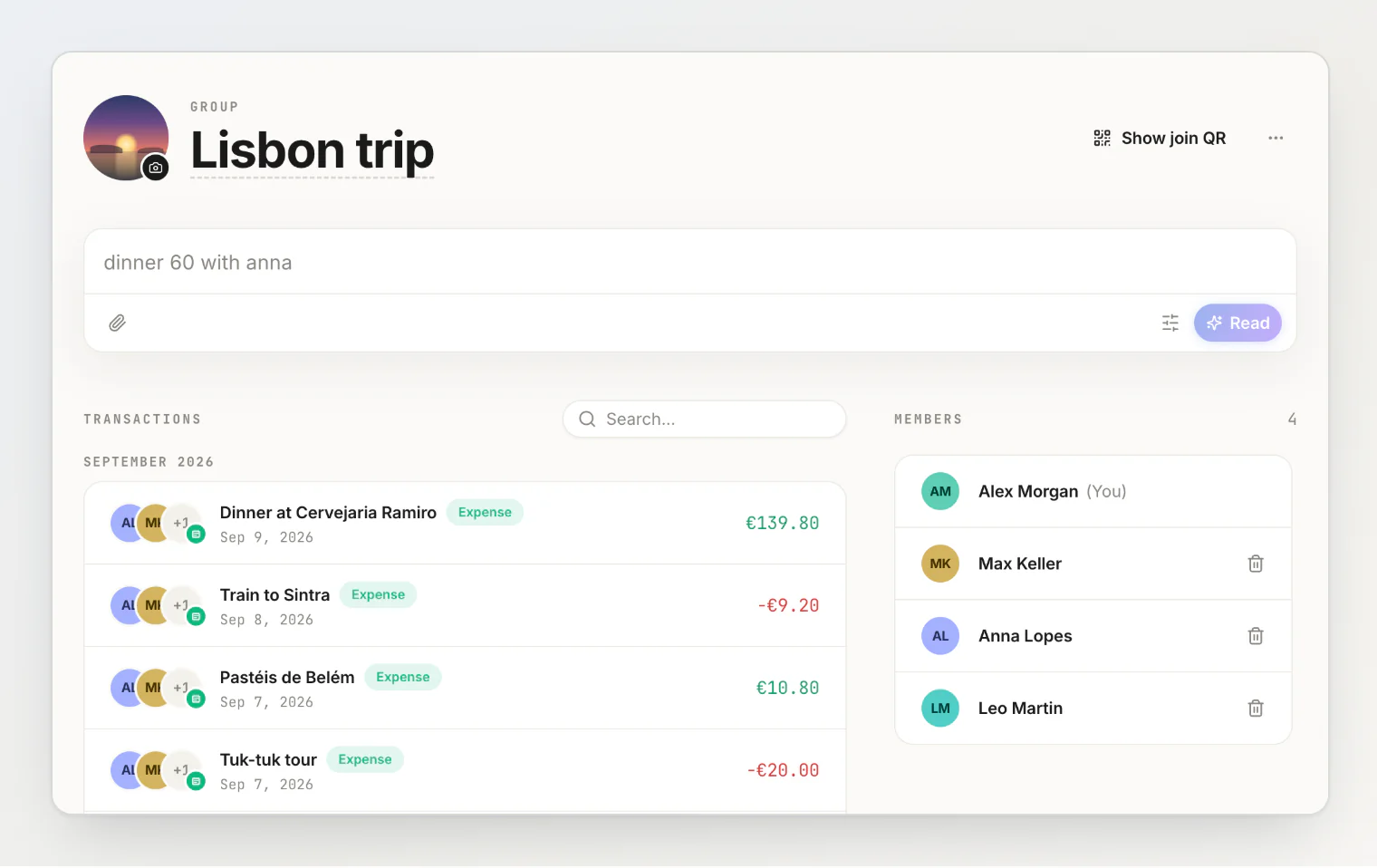
Open a group and its transactions are below the roster, newest first, each showing who paid and how it split. That makes the mid-trip check practical: read the list on day four and the duplicate dinner and the unlogged taxi turn up while everyone still remembers.
Still no group balance, and no group total
Worth stating plainly, because this is the part we did not build.
A group holds no money, receives none, and settles nothing. Every balance it helps you create lives between two people, exactly as before. Tagging moves no money and reorders no debt.
There is also no trip total, and that is deliberate rather than unfinished. The list shows the transactions you are part of — being in a group does not let you read expenses you were not on — so a total would be your total rather than the trip's, and wrong for anyone who skipped a dinner. A missing number beats a confidently wrong one.
Archived groups still accept transactions
The usual moment for remembering an expense is after everyone has gone home. So archiving tidies a group out of your active list without closing the books on it: you can still tag it, months later.
Also in this build
Archive, Restore and Leave moved into a menu beside the group's name, so a long list of transactions no longer buries them.
Leaving a group, or being removed from one, leaves every tag intact — as it already did for transactions and balances.
The transaction form's side panel had uneven margins and a dialog slightly wider than its contents. Both are fixed.