Correcting a small thing on a bill used to mean reopening the whole edit form, finding the field, and saving everything back. Now the details of a transaction are editable where you read them.
Edit in place
Open a transaction and the Details rows respond directly:
Title — click it and type. Enter saves, Escape cancels.
Date — click it and pick a day.
Category — pick one or create a new one on the spot.
Notes — write them without leaving the panel.
Attachments — add a receipt, or remove one.
Each change saves on its own. Nothing is staged, and none of these fields moves a balance.
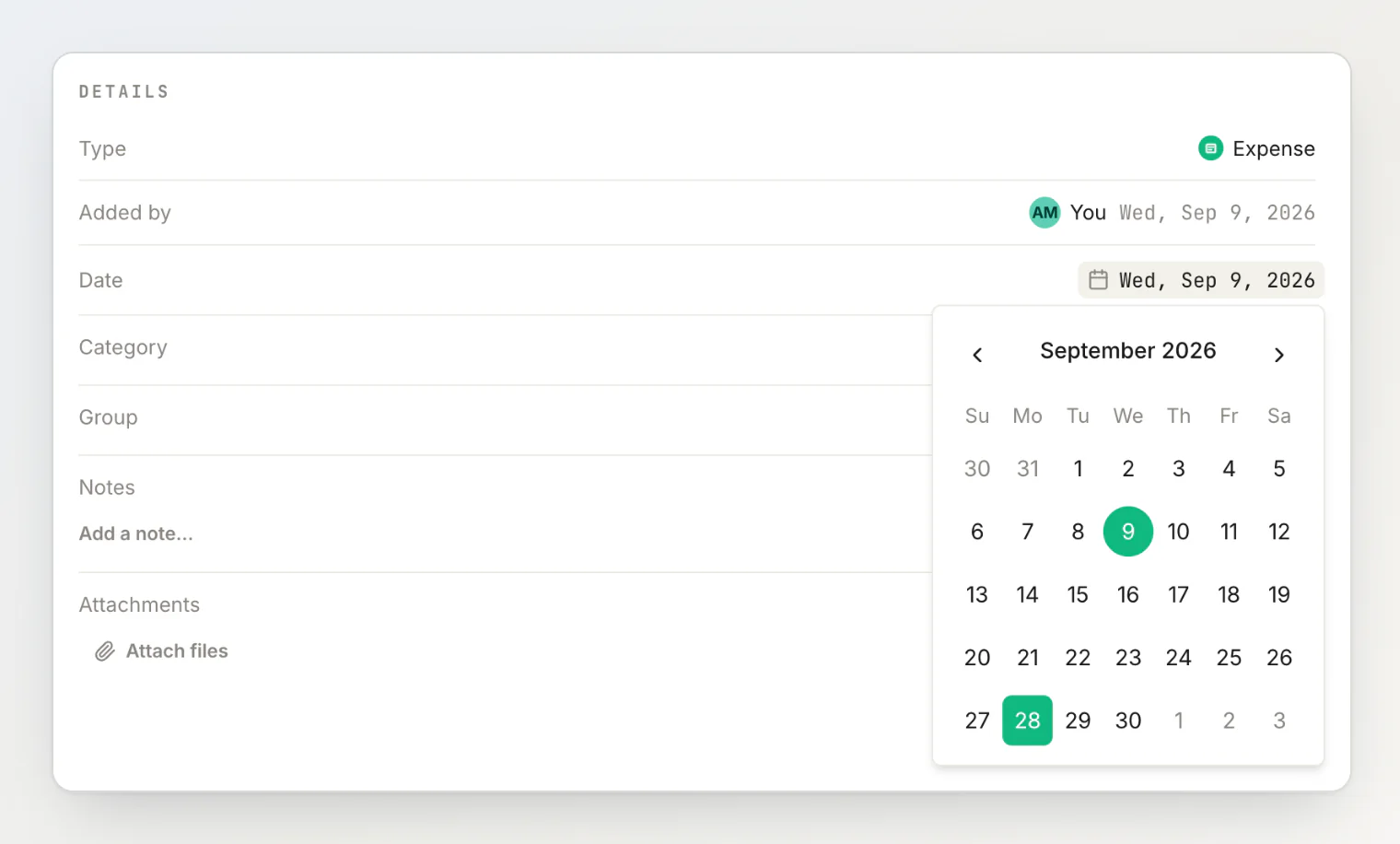
The amount, currency, payers and the split still go through the full form — those depend on each other and are saved together.
Removing a file now asks first
Every Remove on an attachment, in the details view and in the edit form, confirms before it deletes. The button sits under a hover overlay and was too easy to hit by accident.
Who added this?
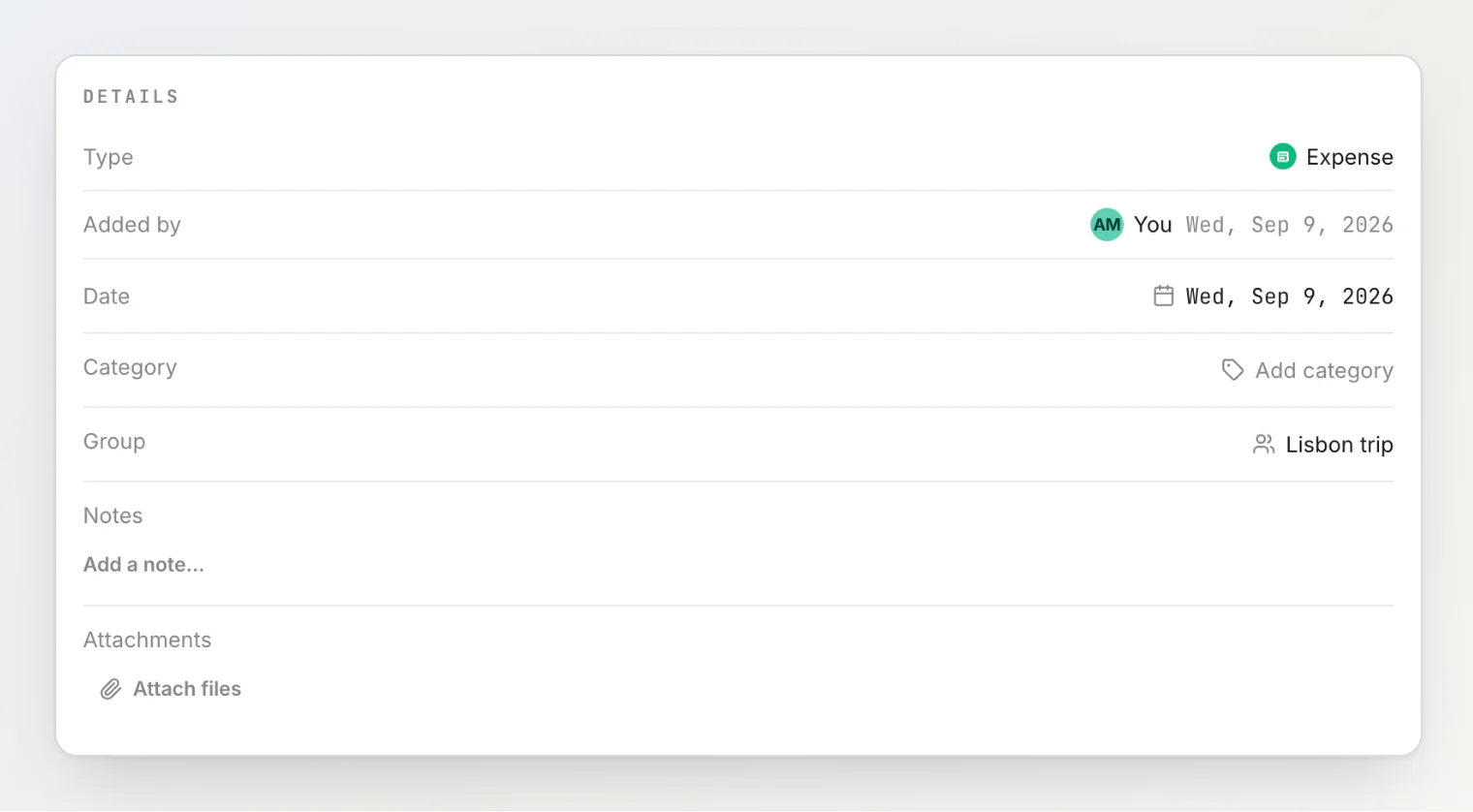
A new Added by row names the person who created the transaction and the date they added it — which is a different question from the date of the expense, now sitting one row below it.
A Type row says whether it is an expense, a transfer or a simplification.
Smaller things
The avatars at the top of a transaction now open a People involved list, the same one the transaction rows have. Click anyone to open them.
In the breakdown, a pending or declined share is now a small icon with a tooltip rather than a text badge, matching the transaction list.
The Pay back button is gone from the detail panel. It offered to settle a months-old bill in full, which was rarely what anyone wanted. Settling up is unchanged everywhere else.
More on all of it in how to fix a shared expense after you've already saved it, or in the help centre under reading and editing a transaction's details.