You split the dinner, saved it, put your phone away. Two days later you notice the date says Tuesday and it was Saturday. Or the receipt photo never made it on. Or you typed "text" in the title because you were going to fix it later, and later never came.
None of this changes what anyone owes. All of it makes the record worse — and a shared ledger is only worth keeping if you still believe it in six weeks.
Here is how to correct a shared expense after the fact, what the other people see when you do, and the one case where editing is the wrong move.
First, sort the small stuff from the money
Corrections fall into two piles, and they deserve different treatment.
The record: the title, the date, the category, a note, the receipt. Fixing these changes nothing about who owes what. Nobody needs to re-approve anything. It should take a couple of seconds.
The money: the amount, the currency, who paid, who shares it, how it was split. Changing any of these moves a balance, which means it is somebody else's business too.
Most apps treat both piles the same way — reopen the whole form, find the field, save the whole thing back. That is a lot of ceremony for a typo, and it makes people put off corrections they should just make.
Fix the record in place
In HiBill, open the transaction and the Details section is directly editable. No form, no Save-the-whole-thing.
The title. Click it and type. Enter saves, Escape cancels.
The date. Click it and pick a day.
The category. Click it, choose one or create one on the spot.
Notes. Add whatever the number will not explain by itself — "includes the taxi back", "Ana's birthday, don't tell her".
The receipt. Attach a photo, or remove one that shouldn't be there.
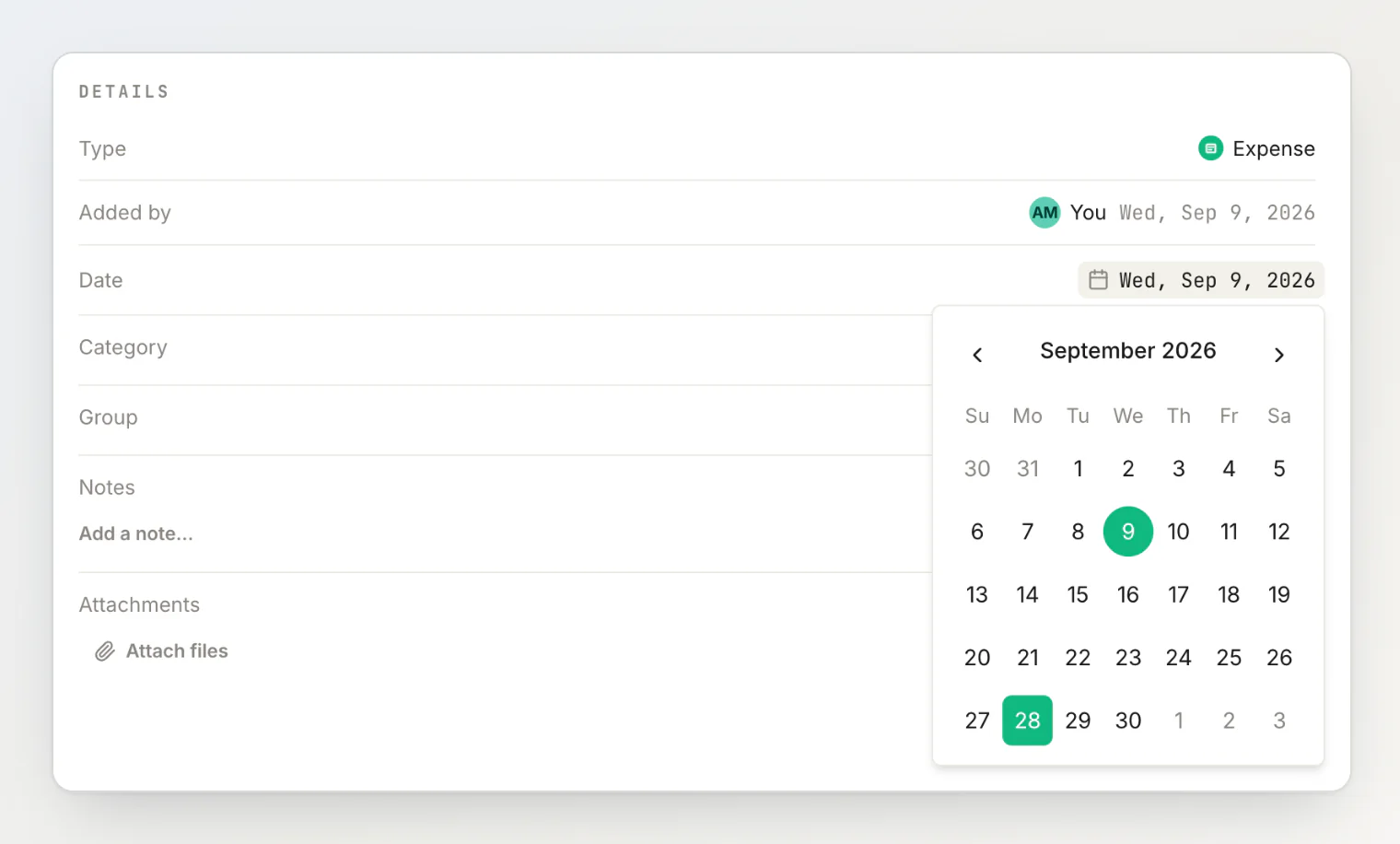
Each change saves on its own. Nothing is staged, so there is nothing to lose by closing the panel.
Removing a file asks you to confirm first, because deleting the only photo of a receipt by mis-tapping is a genuinely bad afternoon.
Change the money properly
Anything that moves a balance still goes through the full edit form: the amount, the currency, who paid, who shares it, and the split method.
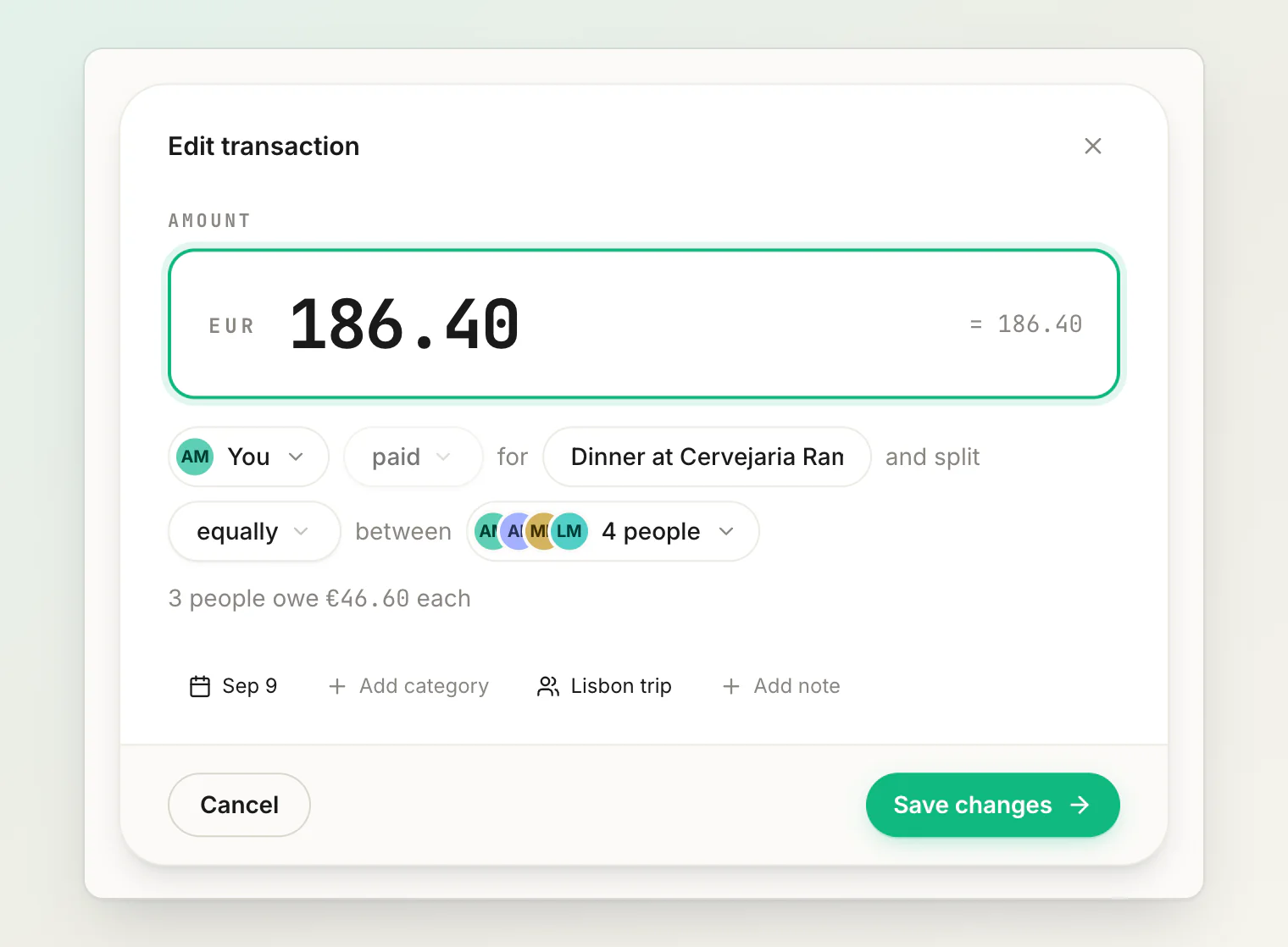
That is deliberate. Those fields depend on each other — change the total and every share has to be recomputed — so they are edited together and saved together. Balances recalculate immediately for everyone affected.
What everyone else sees
An edited transaction is not a quiet one. Every transaction carries an activity log, and corrections land in it: the amount, the date, the description, and any change to who paid or who shares.
So the person who owes you €24 can see that it used to be €22 and when it changed. That is the point. A number that can move silently behind your back is worth much less than one that cannot — see understanding balances for what actually makes a balance move.
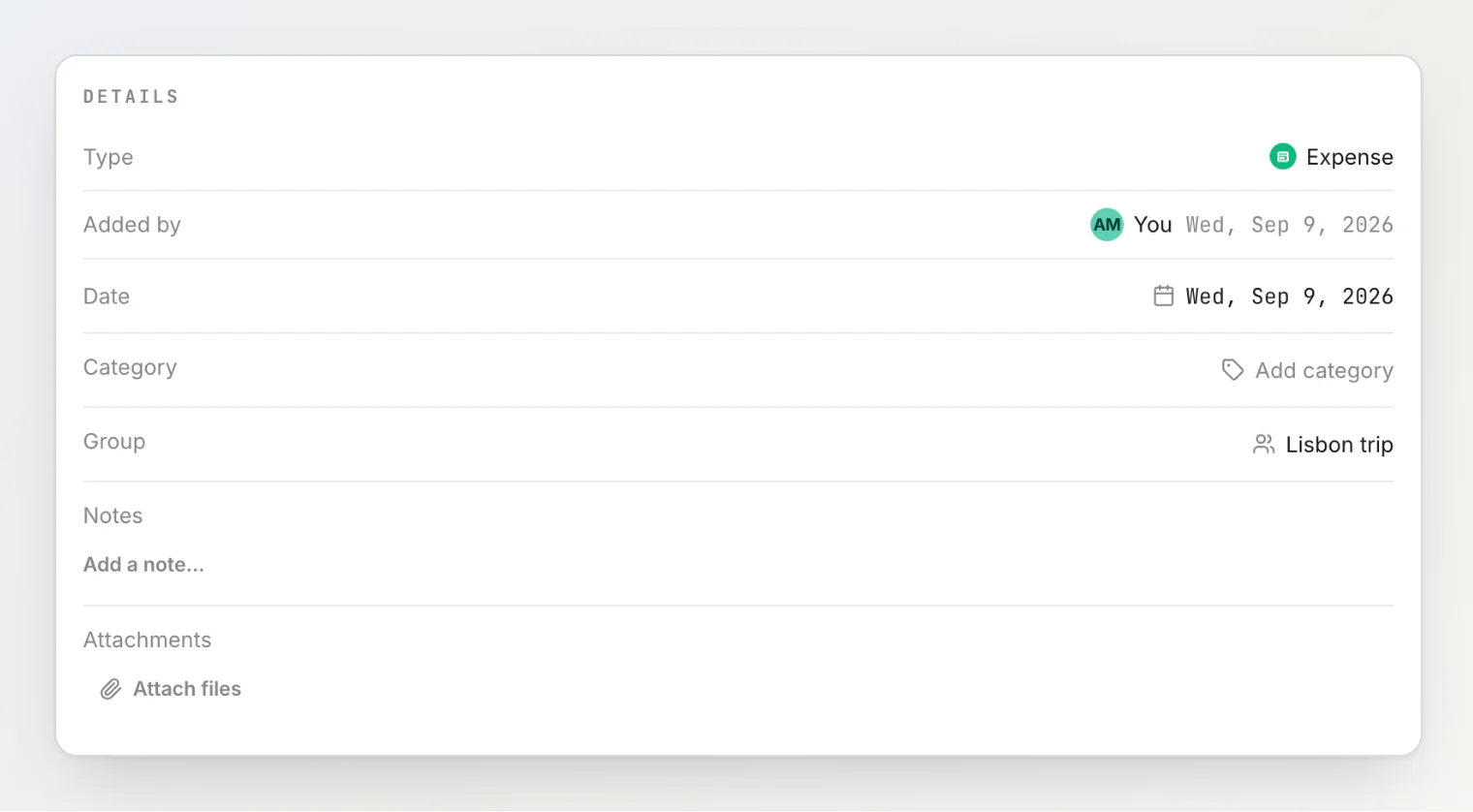
The detail view also names who created the record in the first place, next to the date they added it. On a bill with four people and three editors, "who wrote this down?" stops being a question you have to ask in the group chat.
Who is allowed to change what
Anyone on the transaction can edit it — the person who created it, whoever paid, and anyone sharing it. This is on purpose: the people affected by a number are the people best placed to fix it.
Two limits worth knowing:
Attachments can be removed by whoever added them, or by whoever created the transaction. You cannot delete someone else's receipt out from under them.
A shared bill's split belongs to the people claiming their shares. While an expense is an open split, the split controls are hidden and everything else stays editable. To take the split back, stop sharing and then press Take back control.
When to comment instead of edit
If the transaction is not yours and the number looks wrong, a comment usually beats an edit.
"Pretty sure Sam didn't have the wine?" notifies the person who created it, leaves the reasoning next to the number, and lets them make the change. Silently rewriting someone else's entry is technically allowed and socially expensive.
Editing directly is the right call when you were there, you know the answer, and there is nothing to discuss — you scanned the receipt and it read 12 instead of 72.
When to delete instead
Delete when the transaction should never have existed: a duplicate, a bill someone else already recorded, a test entry from your first evening with the app.
Deleting asks you to confirm, then reverses the transaction's effect on every balance it touched, and everyone involved sees it in their feed. It is permanent, so re-create rather than restore.
Do not delete to fix a wrong amount. Editing keeps the number live with its history; deleting takes it off every balance and leaves it in Activity, marked deleted, with its comments frozen.
The habit that makes this rare
Corrections are cheap, but not having to make them is cheaper.
The two things that prevent most of them: give the expense a real title while you are still standing at the table, and attach the receipt before you leave. Ten seconds, and the six-week-old question answers itself.
For the rest, fixing it is a couple of clicks — and everyone sees exactly what you changed.
Continue reading
How HiBill Works: A Quiet Ledger for the Money Between Friends — the whole model in one read: people, balances and the two kinds of transaction.
How to Find a Shared Expense Fast: Search a Group or a Person — how to get to the expense you need to fix in a few keystrokes.
Editing and deleting transactions — the step-by-step reference for every field you can change.