Update, 16 September 2026: the sentence field now reads every sentence with AI and shows a review before saving — see v0.9.7.
The quickest way to record something is to say what happened. HiBill now takes it in exactly that form: one line of text, at the top of the dashboard, a person's page and a group's page.
Type it like you'd say it
Only the amount is required. Everything else is picked up if you happen to write it:
The money —
20$ coffee,2 500 lei rent,3k deposit. A symbol, a code or the currency's name.Who was there —
@suggests your people as you type. "With" splits the cost equally; "for" means you paid and none of it was yours.A whole group —
900 lei dinner in @flatsplits it across everyone in it.Money handed over —
gave 15$ to @annaor@max gave me 40$records a payment instead of a shared cost.When —
yesterday,last friday,12 march. Today, unless you say otherwise.
Press Enter and it is saved. For five seconds afterwards, the line offers Undo.
On a person's page that person is already on it; on a group's page the whole group is, and the transaction is tagged with it. Everywhere else, Add a transaction in the header (⌘K, or Ctrl K) jumps to the page's field, or opens it as a palette where there isn't one. On a phone it is the + in the bottom bar.
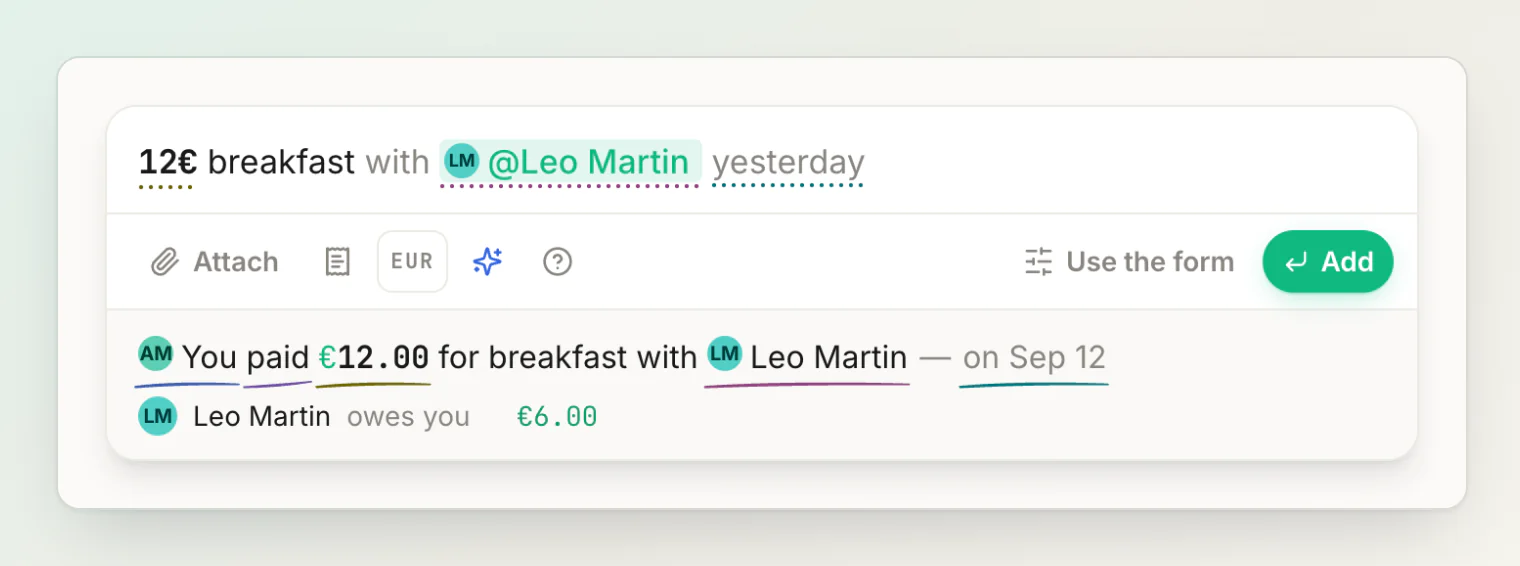
The line underneath reads it back
Under the sentence, HiBill writes out how it understood you — "You paid $45.00 for sushi with Max Keller, Anna Lopes — today" — and below that, what saving will do to your balances: "Max Keller owes you $15.00" and "Anna Lopes owes you $15.00".
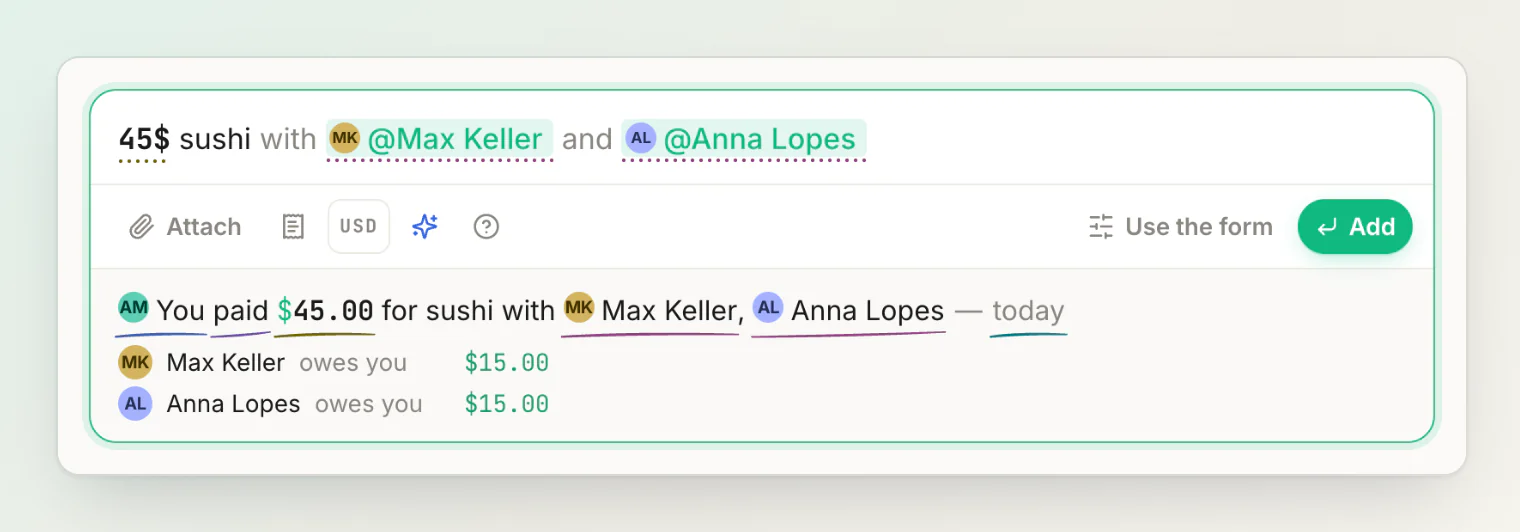
Every part of that line is a control. Click who paid, the verb, the amount, the currency, a person or the day to change it. The amount and the currency are separate, so switching dollars to euros no longer means retyping the number. A correction is written back into your sentence, so the sentence stays the one record of what will be saved, and one correction is one undo.
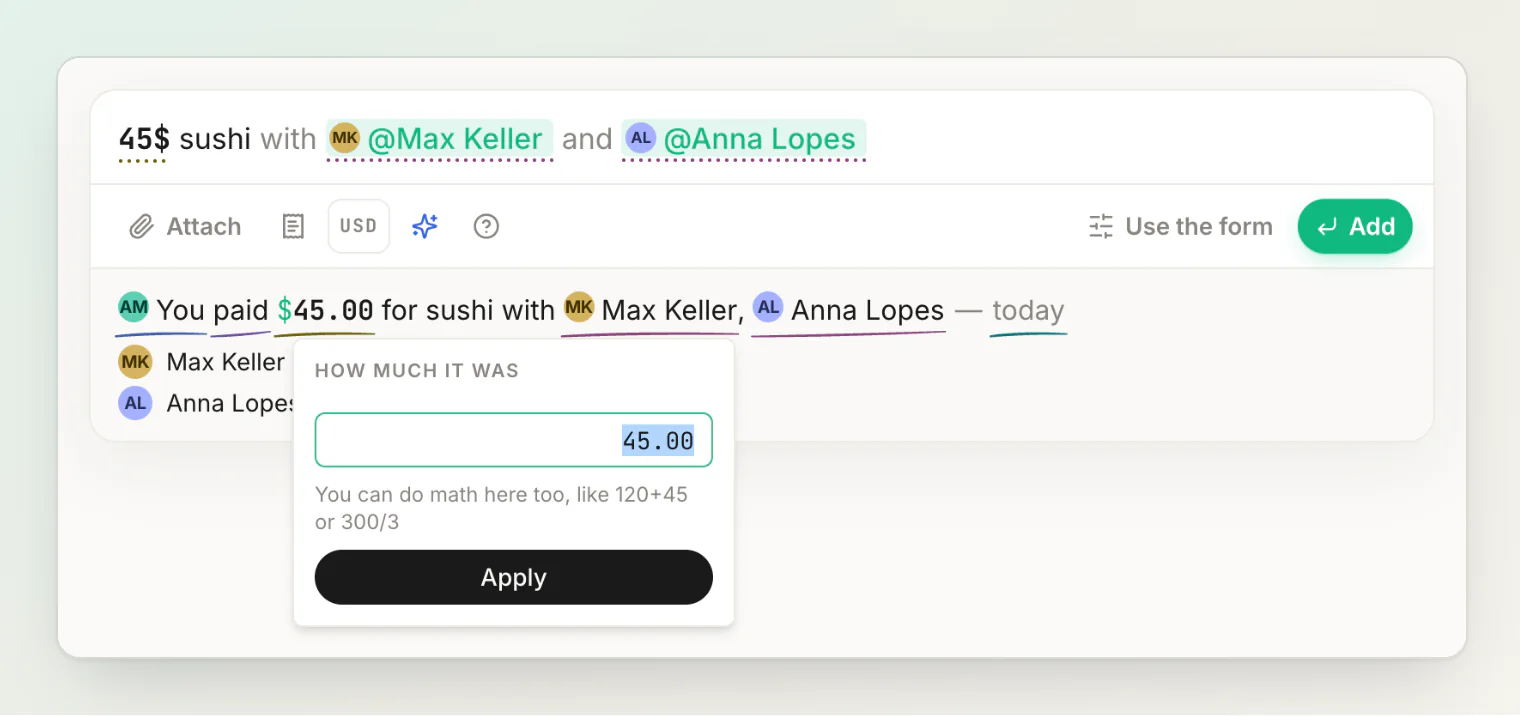
Each kind of thing — the money, the people, the day — is underlined in its own soft colour, the same in the sentence and in the line.
Ask AI when the grammar runs out
When a sentence is beyond the grammar — or it read the sentence, but wrong — press Ask AI, the blue sparkle, or ⌘↵ (Ctrl ↵) without leaving the keyboard. Your sentence is rewritten the way it was understood: the amount, the people, the day. Anything it got wrong is one click away, and undo brings back your own words.
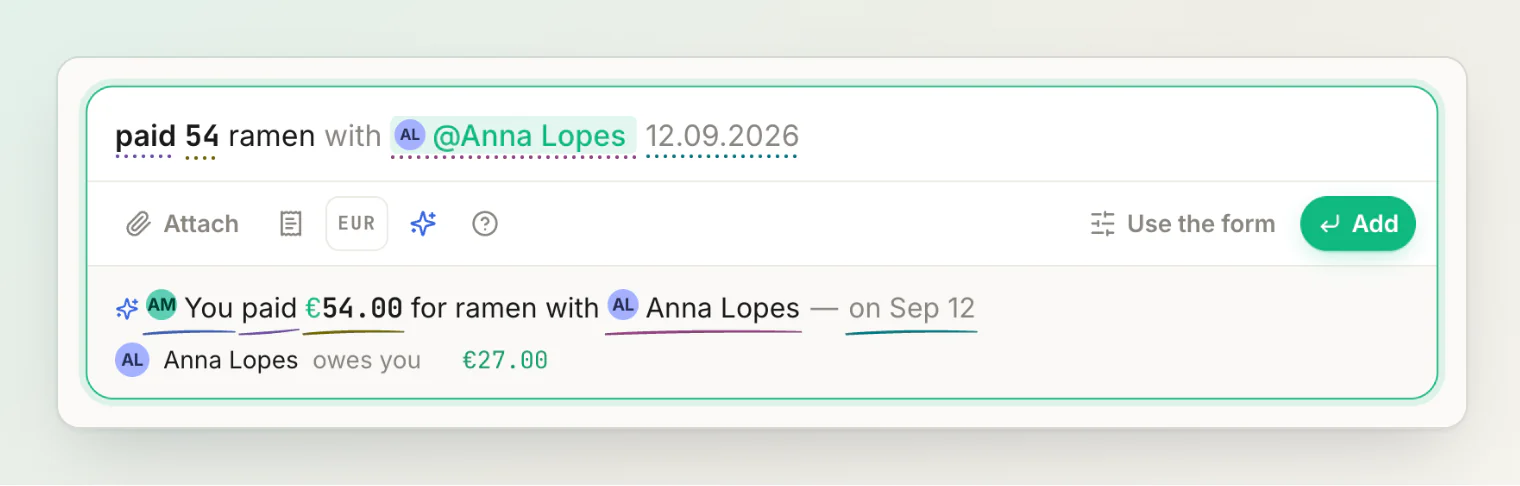
You can ask about the same sentence as often as you like. The button is never locked after a read, because "it read it, but wrong" is exactly when a second look helps.
AI reads come from a monthly allowance — 50 on Free and 1,000 on Pro — and a read that fails isn't counted. Typing and saving a sentence never uses one.
Receipts, from the same field
Pick a receipt with the receipt button, or attach a photo and mark it as the receipt. The scan reads the amount, the date and the line items; what you typed still supplies the people, the title and the group.
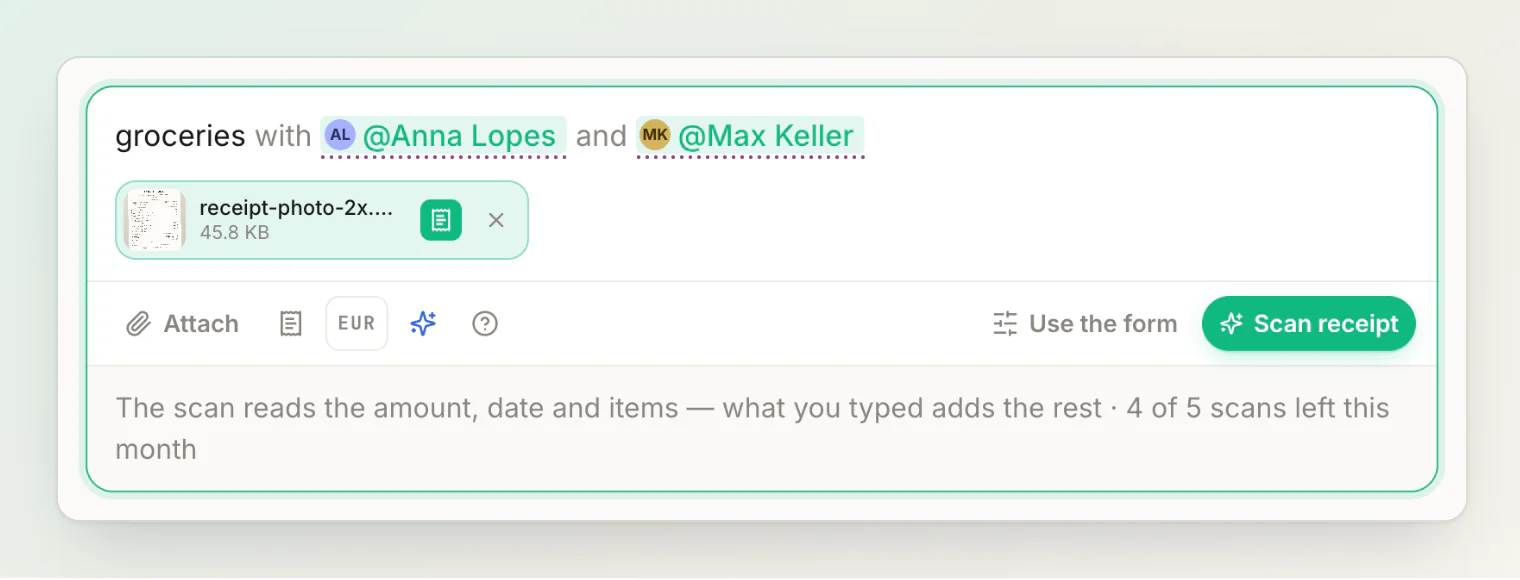
Two changes to the scan itself:
It answers in your language. Spanish, French and Portuguese accounts used to get an English title and item names off their own receipts. All five app languages now come back in the language you use.
It knows today's date, which helps it place a receipt that prints a short date or no year at all.
Both the sentence reader and the receipt scanner now run on newer AI models.
The form is one click away
The New transaction buttons are gone: the sentence is the way in. Several payers, custom amounts, percentages and items still live in the form, and Use the form opens it with everything you typed already filled in.
Also in this build
Tapping Guest in the header now takes you to create your account, instead of straight back to the dashboard.
The lit edge along the top of cards follows their rounded corners instead of running past them.
Hints on the sentence open above the words, so they never cover the line that reads them back.