Update, 16 September 2026: the sentence field now reads every sentence with AI and shows a review before saving — see v0.9.7.
v0.9.5 made a sentence the way in. This build is about the moments HiBill doesn't understand you: the line under the field now says what a transaction still needs instead of pointing at Enter, names no longer need their @, and an empty field shows you how to begin.
Blanks for what's missing
A sentence without an amount can't be saved, and the line used to leave you to work out why. Now it leaves a blank where the amount goes — + how much? — and clicking the blank opens the amount. A payment with nobody to receive it gets a whom? blank the same way.
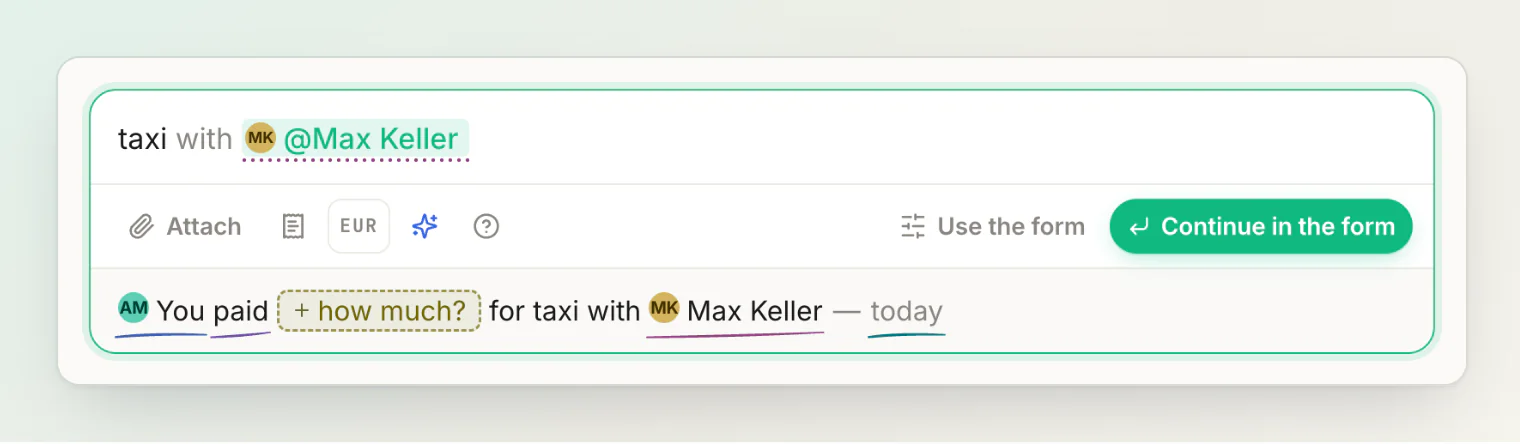
While a blank is open, the main button reads Continue in the form. When your own words hold the missing piece — 120+45 dinner with anna, say — the line says AI can find it, and the main button becomes Ask AI, with the number of AI reads you have left this month on it.
Names without the @
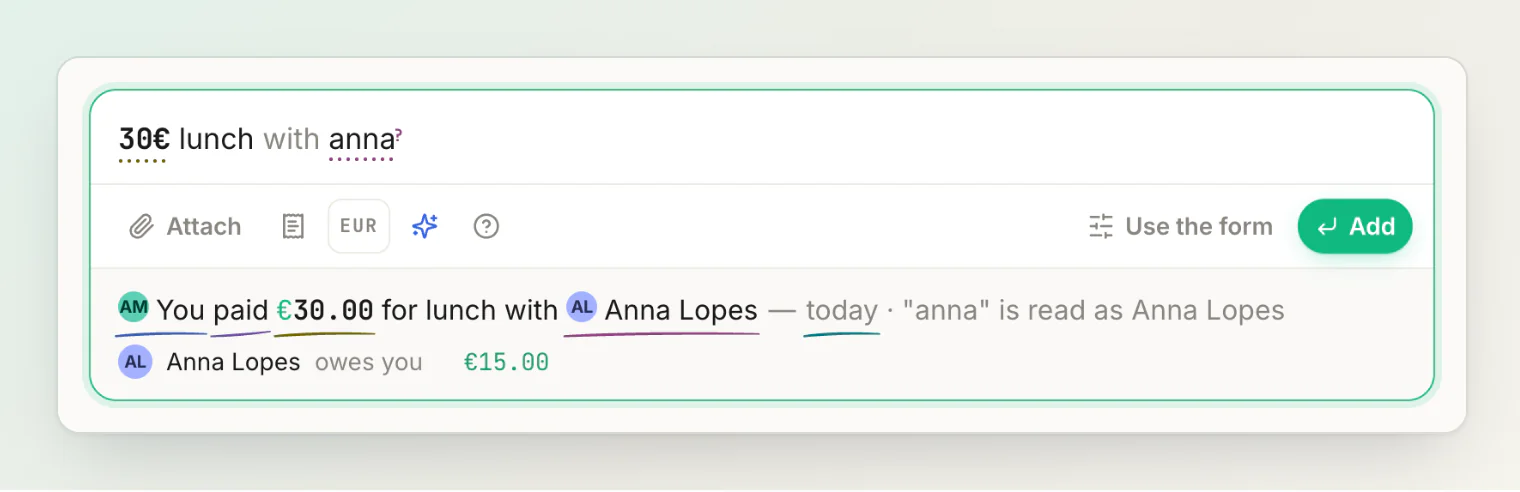
Type 30€ lunch with anna and "anna" is read as the person in your list it matches. The line says so — "anna" is read as Anna Lopes — so a guess is never silent, and when two of your people fit, the field asks which one you mean.
Shapes to start from
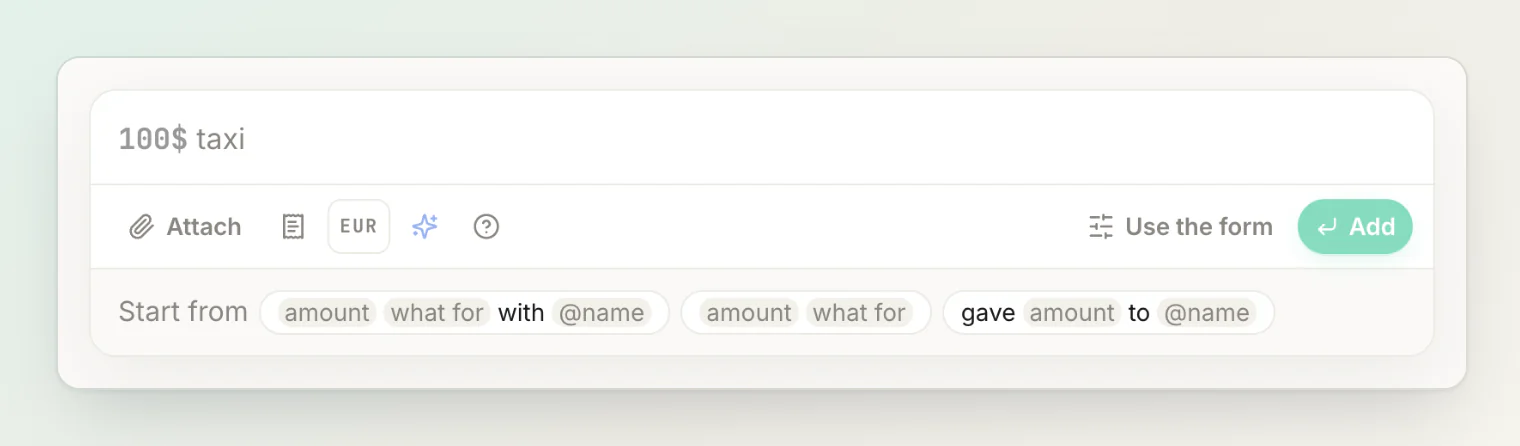
Until you have saved three sentences, an empty field offers shapes to start from: amount what for with @name, amount what for, and gave amount to @name. Pick one and it drops in as blanks to fill, starting with the amount.
The amount does the math
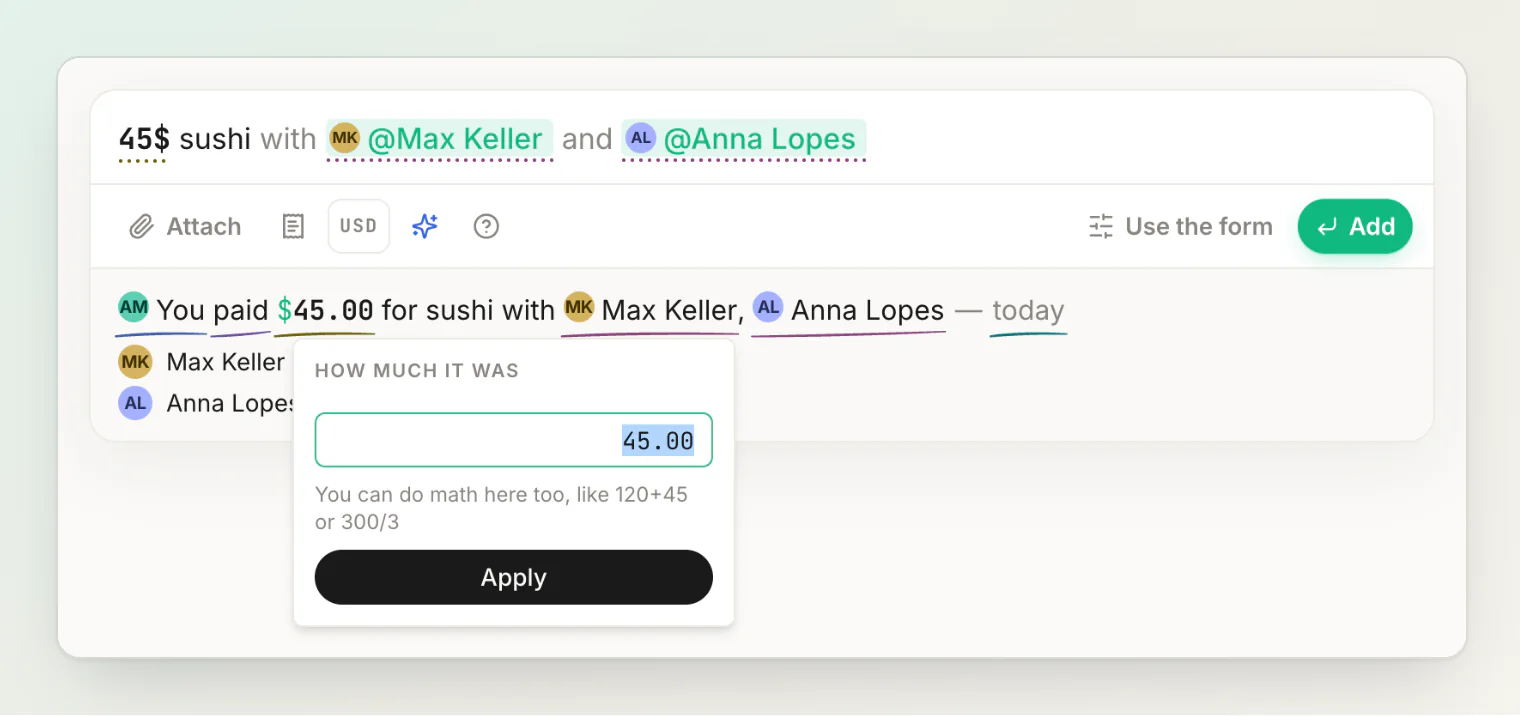
Click the amount in the line and type 120+45, or 300/3 for a third of a bill. The calculator now says it can, right where you type.
A sentence in ink
People in the sentence wear their faces on their pills, and each kind of thing — the money, the people, the day — is underlined by hand in its own ink, the same in the sentence and in the line under it.
Scanned receipts open where you are
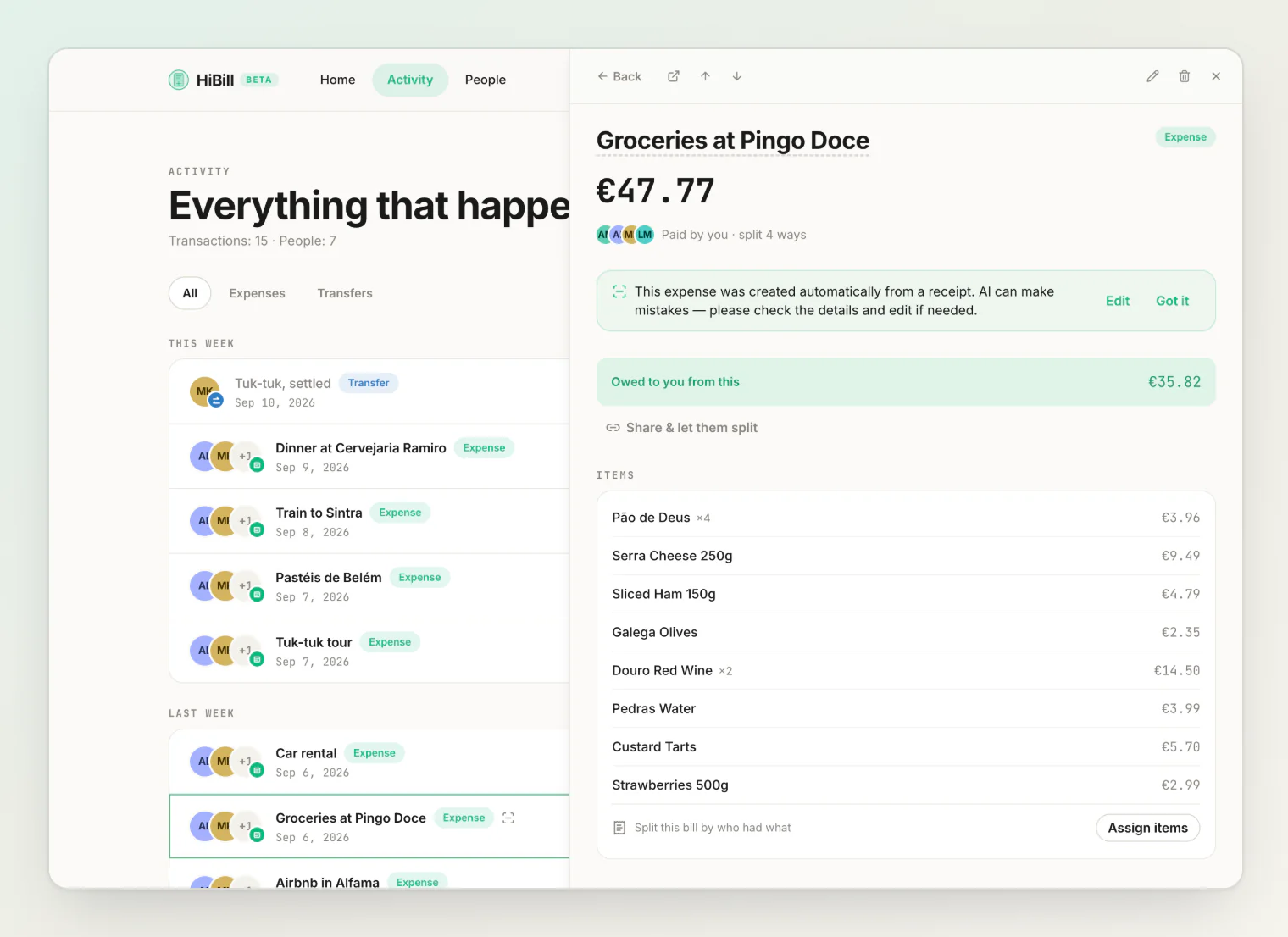
A scanned receipt used to open on its own page, taking you away from the list you were reading. It now opens in the side panel, like any other transaction. And when a receipt's currency is ambiguous, the scan falls back to yours instead of guessing.
Also in this build
Native speakers reviewed the Russian, Spanish, French and Portuguese text. Dates, name lists and counts now follow your language, and screen-reader labels no longer fall back to English.
On phones, settings rows stack instead of squeezing, the help search box gets its own row, and long dates wrap instead of cutting off names.
hibill.app has a new landing page, built from real screens of the app in light and dark.
More in adding a transaction by typing a sentence and fixing a misread sentence.