Any transaction can carry photos and a conversation. Both live on the transaction itself, so context does not get lost in a chat thread.
Attachments
Attach the receipt photo, a screenshot of a booking, or anything else that explains the number.
You do not have to scan a receipt to attach it — scanning reads the numbers off it, attaching just keeps the image. Doing both is common: scan to fill in the fields, and the photo stays as the record.
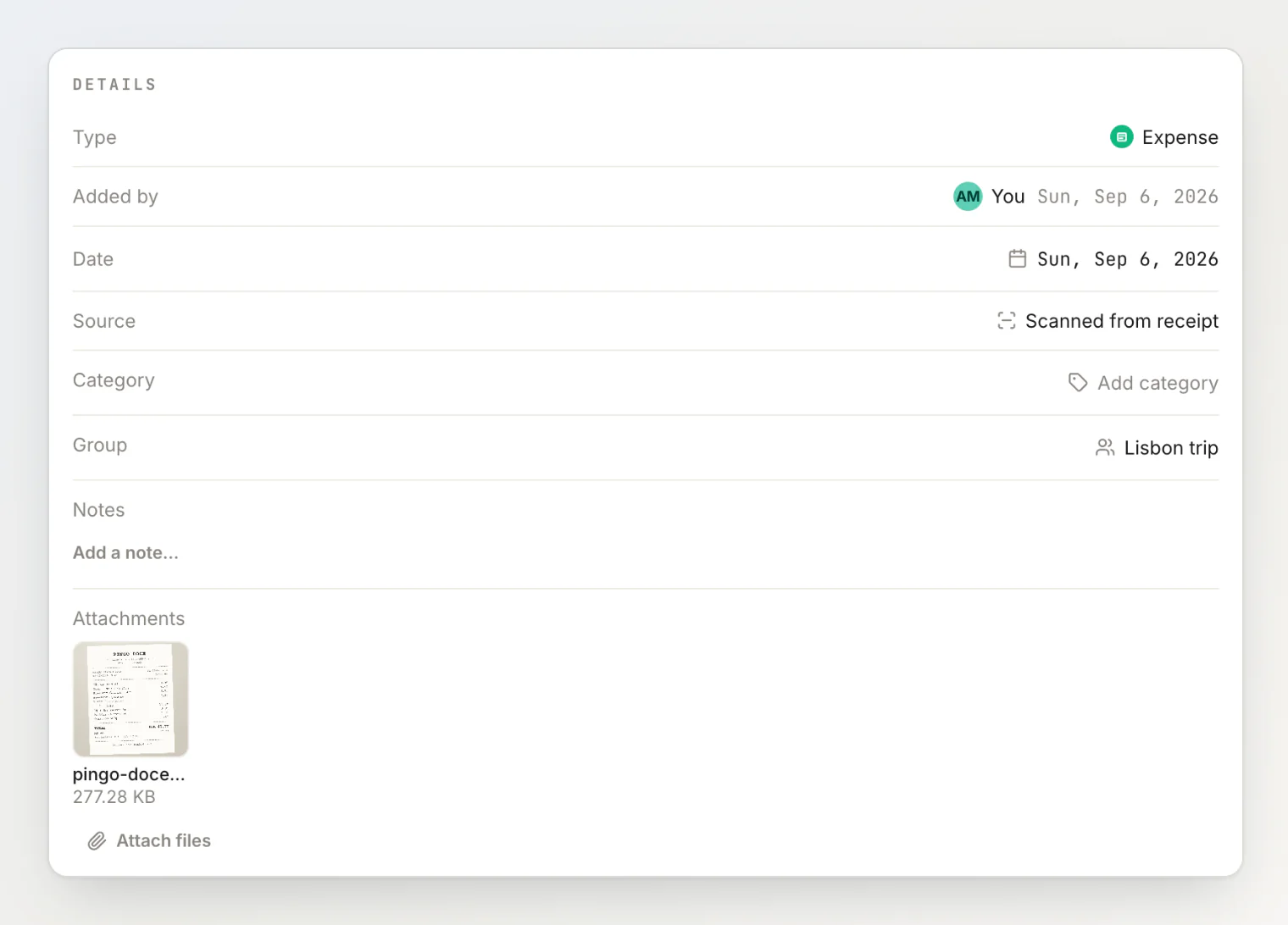
This is worth the two seconds. Six weeks later, "what was this €96?" is answered by looking, not remembering.
Adding and removing files later
You do not have to attach everything while creating the transaction. Open it and use Attach files in the Details section at any point afterwards.
To remove one, hover the file and choose Remove. HiBill asks you to confirm first — deleting the only photo of a receipt by mis-tapping is not a recoverable mistake.
You can remove a file you attached yourself, or any file on a transaction you created. Removing a file unlinks it from the transaction, and if nothing else in HiBill uses it, the file is deleted too — it stops counting against your storage.
Storage
Attachments count against your plan's storage:
Free | Pro | |
|---|---|---|
Max file size | 10 MB | 100 MB |
Total storage | 1 GB | 10 GB |
Total files | 1,000 | 10,000 |
How much storage you are using is shown in Settings, under Upgrade and billing. To free space, remove old attachments from their transactions. See plans and limits.
Comments
Every transaction has a comment thread. Everyone involved can post, and comments can carry attachments too.
Use it for the things that would otherwise be a text message:
"This included the taxi back, that's why it's more than you expected."
"I've sent you my half."
"Pretty sure Sam didn't have the wine?"
Everyone on the transaction gets a notification when a comment is added, so the question reaches people without you chasing them separately.
The advantage over a chat app is placement: the discussion sits next to the number it is about, and it is still there when someone opens the transaction months later.
Disagreeing about a number
Comments are the right first move when you think a transaction is wrong. Rather than editing someone else's entry, say what looks off — the person who created it gets notified and can fix it, leaving a visible record of why.
Attachments and public links
If you share a transaction publicly, its attachments are reachable by anyone with that link.
Treat a public link as unlisted rather than private, and think about whether the attached photo should travel with it — a restaurant receipt is usually fine, a document with personal details is not.
Continue reading
Scanning receipts — let HiBill fill in the total, items, tax and tip from the photo you attach.
Editing and deleting transactions — fix the number once the comments agree what it should be.
Plans and limits — how much storage and how many receipt scans each plan includes.