A typed sentence splits equally. For anything else, tap the split chip in the review and pick from its menu: it offers four methods, and there is a fifth mode you get a different way.
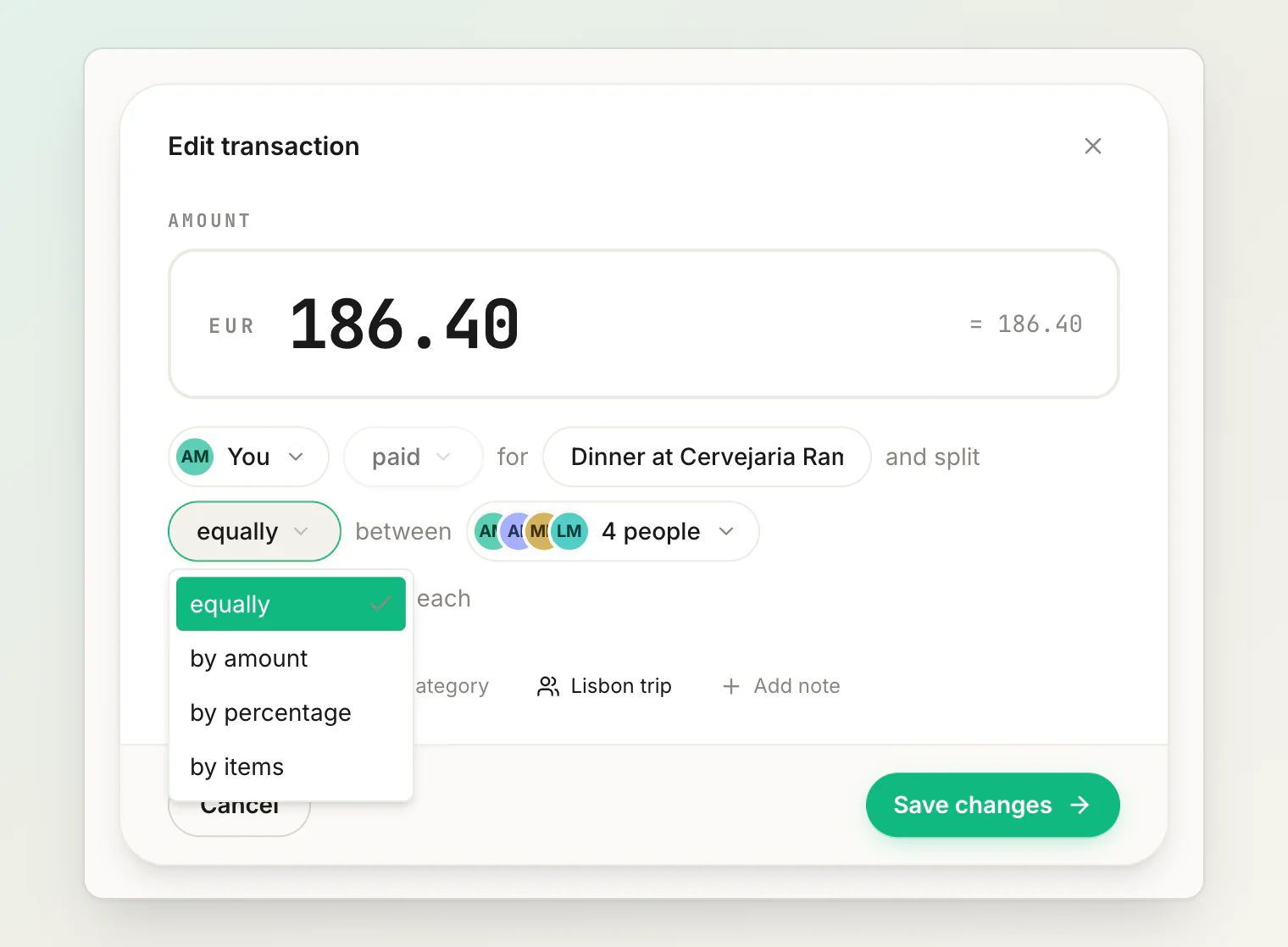
Equally
Split evenly between everyone on the expense.
Use it for: most things. Dinner where everyone ate similarly, a taxi, a hotel room between two people.
This is the default and it is right more often than people expect. If the difference between equal and exact is small, take equal and move on — precision costs more time than it is worth on a €30 bill.
Rounding is handled so the shares always add up to the total exactly. No missing cent.
By amount
Type each person's share directly.
Use it for: an uneven split you already know. One person had the expensive main; someone is covering a friend's share; you agreed on specific numbers.
The shares must add up to the total, and HiBill will not save the expense until they do.
By percentage
Each person owes a percentage of the total.
Use it for: a ratio you apply repeatedly. A flat where rent splits 60/40 because one room is bigger; a monthly bill with an agreed proportion.
The percentages must come to 100, and you set them on each expense — HiBill does not save the ratio for the next one.
By items
Assign individual line items to individual people.
Use it for: a detailed receipt where people had clearly different things — a supermarket run covering two households, a restaurant bill with a wide spread.
One rule applies: the items must add up to the bill total before you can save. They do not all have to be assigned, though — anything nobody is given stays with whoever paid.
This pairs naturally with receipt scanning, which extracts the line items for you. See itemizing a bill.
Open splits — the fifth mode
Open is not in the split menu. You get an open split by sharing a transaction: send the link and people claim their own share.
It is the one mode where the shares are not fixed when you save. Unclaimed amounts stay with the payer, and the equal pool re-divides as people join. See using open splits.
Quick guide
Situation | Method |
|---|---|
Everyone had roughly the same | Equally |
You know the exact amounts | By amount |
A fixed ratio you reuse | By percentage |
Detailed receipt, few people | By items |
Big table, nobody wants to itemize | Share it as an open split |
Multiple payers
Any split method works with more than one payer. If two people put money towards the same bill, record both — what the payers contributed must add up to the total, and the split is worked out separately from who paid.
Changing it later
You can edit an expense and switch between the four menu methods after saving. Balances recalculate, the change is recorded in the transaction's own activity log, and everyone on it is notified. See editing and deleting transactions.
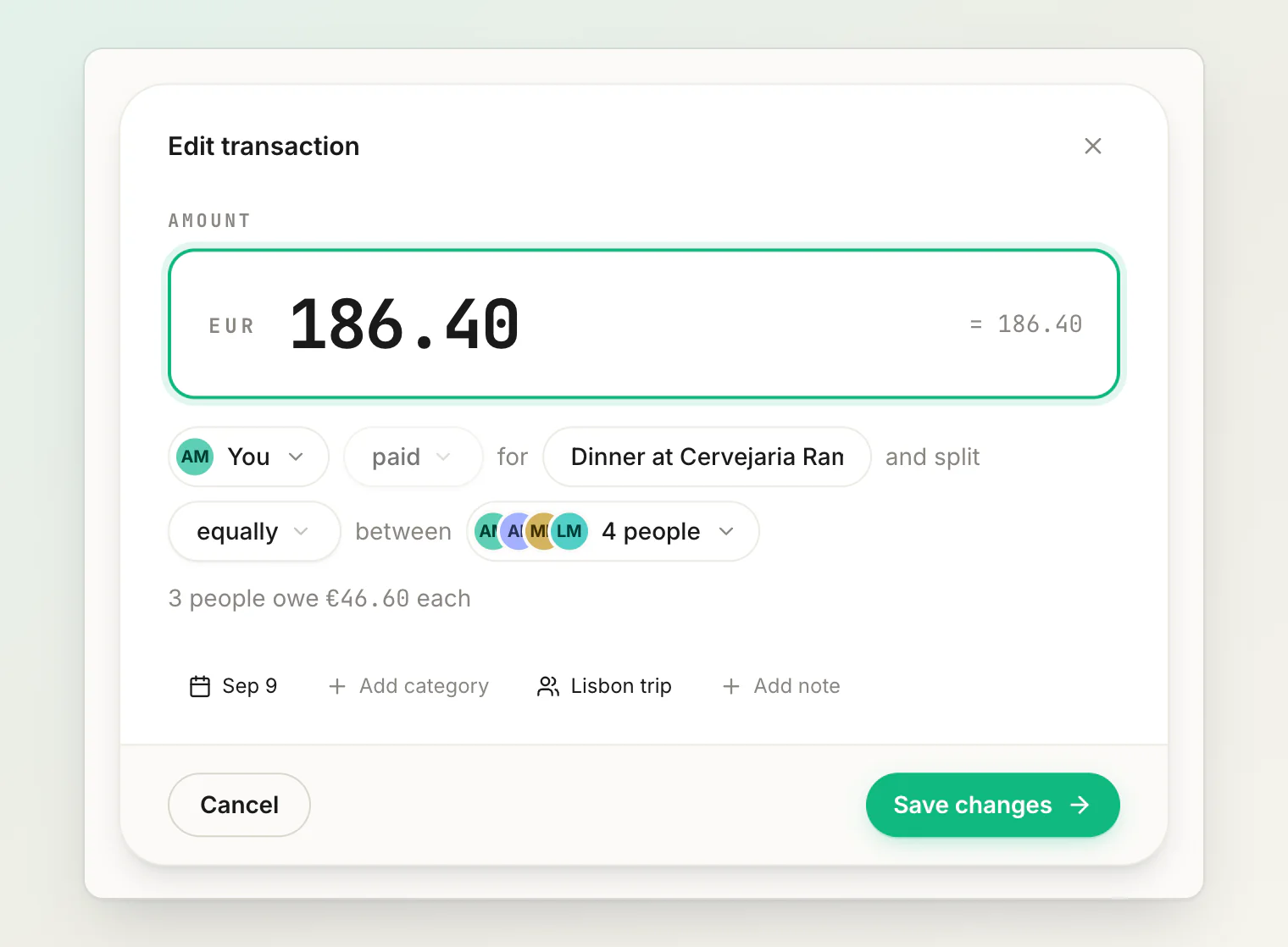
A shared bill is the exception. While it is an open split the shares belong to the people claiming them, so the split controls are hidden — you can still change the amount, the date, who paid and the items, but not how it divides. Stop sharing and take the split back to get those controls again; see using open splits.
Continue reading
Itemizing a bill line by line — assign each receipt line to whoever had it, with tax and tip spread for you.
Using open splits — share a bill by link and let everyone claim their own share.
How to split a restaurant bill fairly: 7 methods that actually work — which way of splitting fits which kind of table.