Inviting someone connects your accounts so you both see the same shared history, instead of you keeping a private record.
When to invite
Invite someone when they will actively use it — a flatmate, a partner, someone on a long trip. The benefit is a ledger you both trust, because you can both see and add to it.
For a one-off split, or for someone who will never install an app, add them as a placeholder instead. You can always merge later if they join.
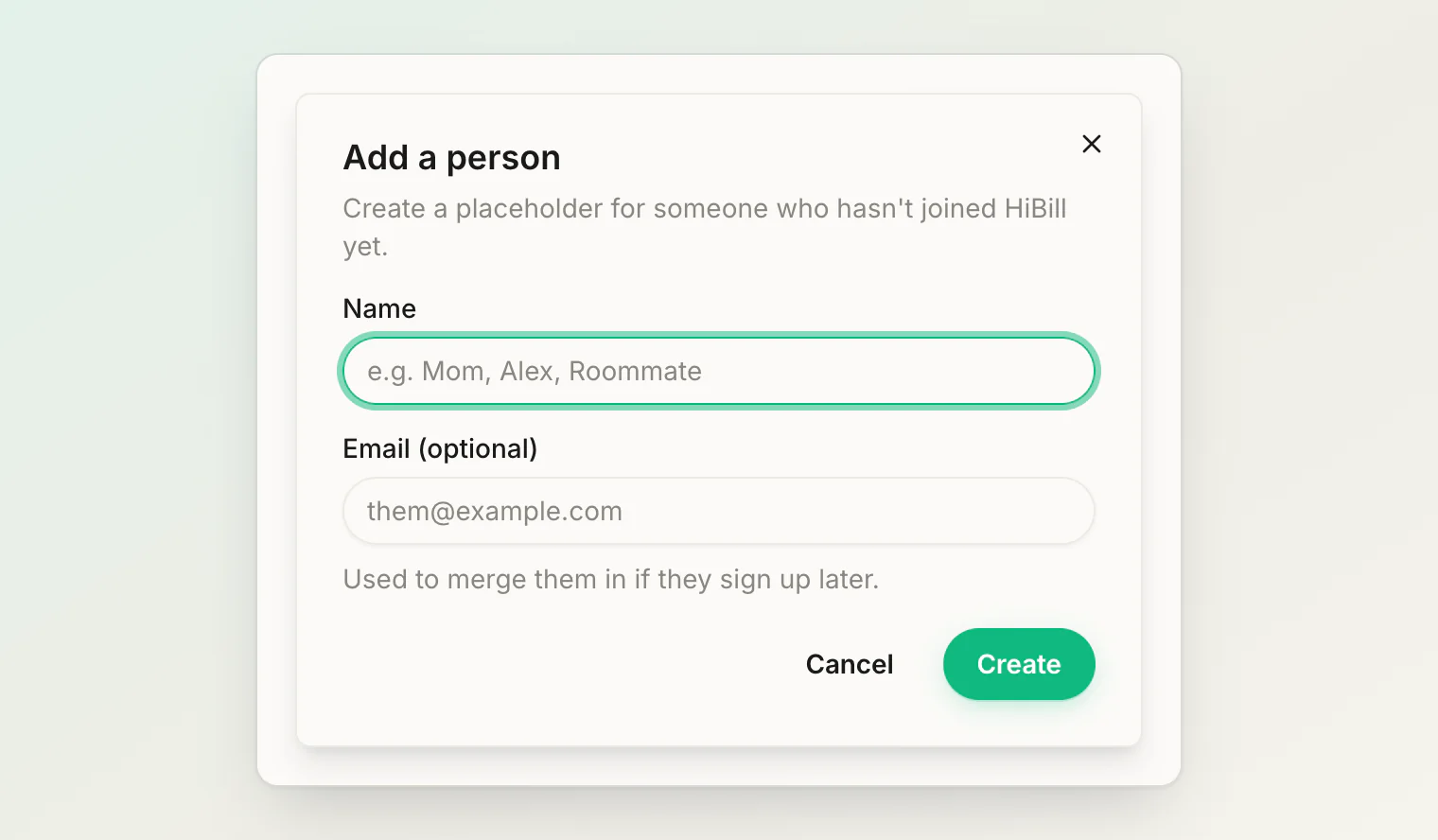
For several people at once, a group is faster than individual invitations.
Sending one
From People, add a person and invite them by email. They get an invitation to connect.
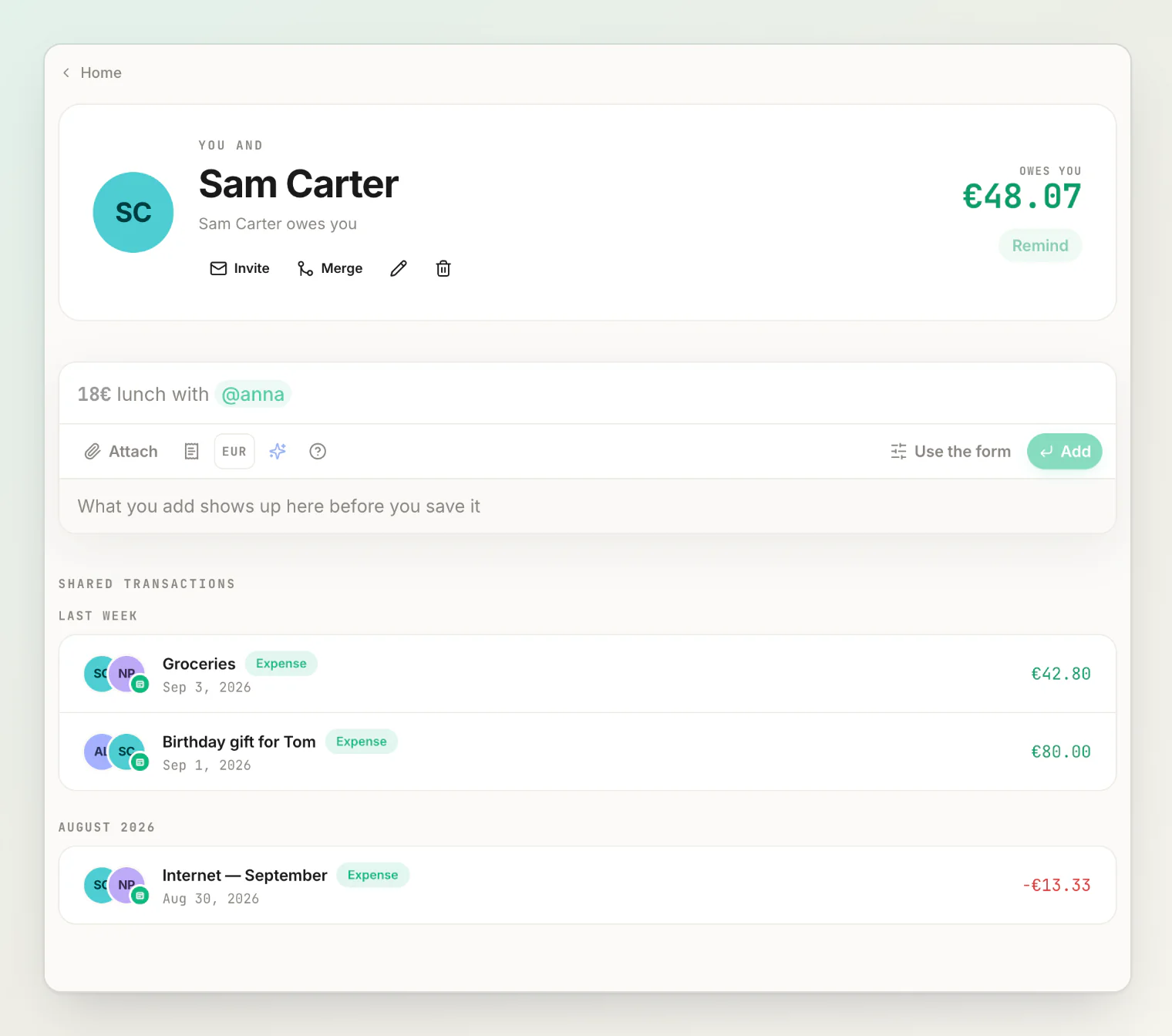
What they see
They see that you want to connect, and who you are. Accepting creates the relationship and you can both split with each other from then on.
An invitation does not give anyone access to your account, your other people, or balances that do not involve them. HiBill only ever shares the ledger between the two of you.
Invitation states
An invitation is pending until they sign up with the invited address, and can end up:
Accepted — they signed up with the invited address, the placeholder becomes them, and you both see the shared ledger.
Expired — it went unanswered for 7 days. You can resend it.
Neither outcome sends a notification.
If they never respond
Nothing breaks. An unanswered invitation does not block you — you keep recording with them as a placeholder until they join. Their not clicking a link is not a reason for your records to have a gap.
If you were already tracking them as a placeholder
Common: you split with "Marco" as a placeholder for months, then he joins HiBill.
Rather than losing that history, send a merge request to fold the placeholder into his real account, carrying every transaction and the balance across. See merging a placeholder with a real account.
Deleting a placeholder
You can delete a placeholder you no longer split with. Their transactions stay, but the placeholder no longer shows up when you pick people for a new transaction.
Continue reading
Your personal QR code — connect with someone in person without typing an email.
Recording your first shared bill, step by step — what to do once you are connected.
Understanding balances — how the ledger between the two of you adds up.