Three weeks after a trip, someone asks what the airport taxi cost. You know it exists. You know roughly who was in the car. What you do not know is the date — which is exactly what a long list is sorted by.
Scrolling is the wrong tool for that question. The expense is already gathered in two places: the group you tagged it with, and the person you shared it with. Both of those pages now have a search box.
Search the list you are already looking at
Open a group and the search box sits beside its transactions. Type a word from the title and the list narrows as you type.
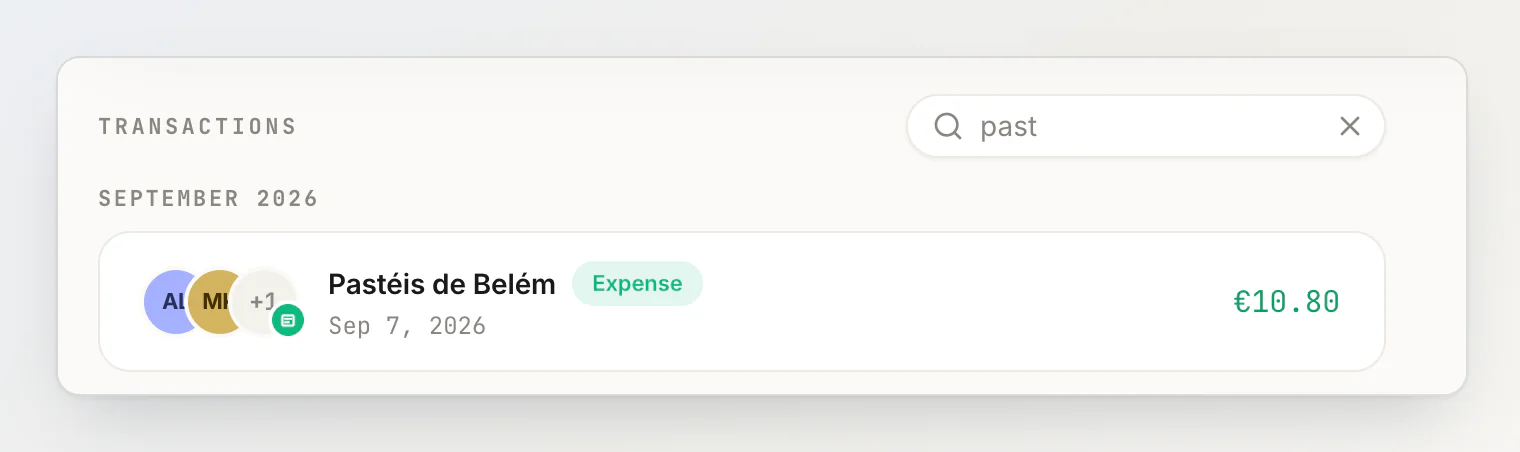
It matches the title of a transaction, and nothing else: not amounts, not notes, not the people on it. Part of a word is enough, and case does not matter — past finds Pastéis de Belém, taxi finds every taxi of the trip. If nothing matches, the list says so rather than going blank.
The same box sits on a person's page, over the transactions the two of you share.
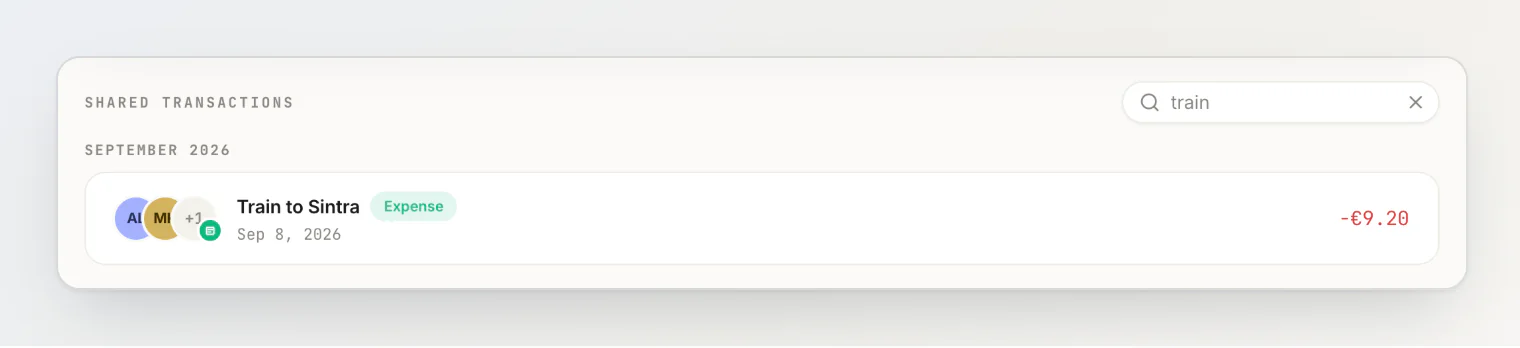
Two clicks from a balance you are questioning to the expense behind it. That is usually the whole errand: someone says I thought I paid for the train, and the answer is one word away.
A group that looks like the trip
A group's page is laid out the way the dashboard is now: its transactions lead, and its members sit beside them rather than above them. On a phone the members come first, then the list.
A group can also carry a photo — click the avatar next to its name to set one. It is a small thing that does real work: a list of groups called Lisbon, Lisbon again and Lisbon 2 becomes three recognisable trips.
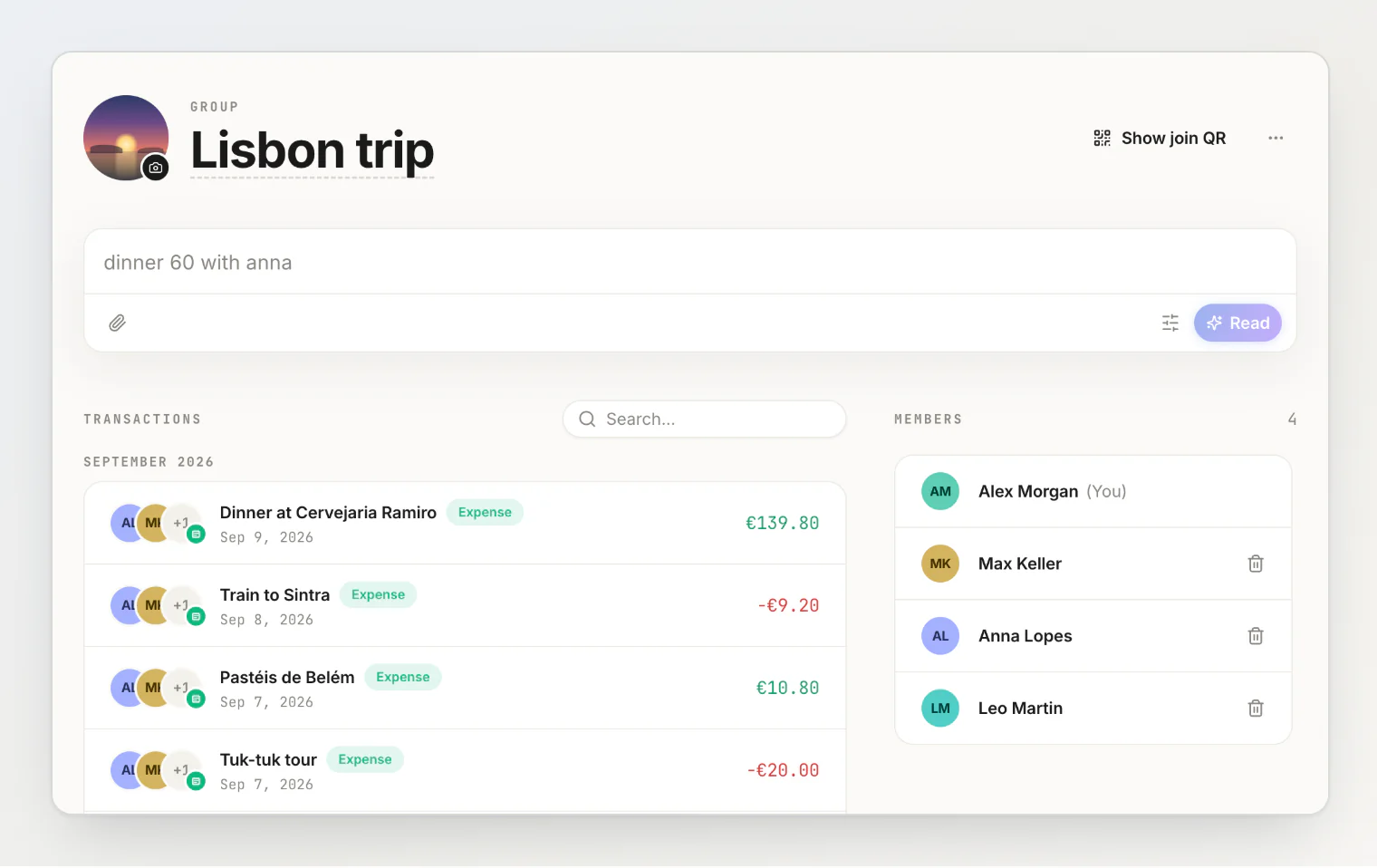
Renaming a group saves when you press Enter, as does a transaction's title in the edit form. Neither one needs a trip to the button any more.
When the month's AI reads run out
HiBill reads a typed sentence with AI, and each plan has a monthly allowance. When it is used up, the sentence field now says so where you were about to type, and offers the two ways forward: fill the form in by hand, which never uses AI, or move to Pro.
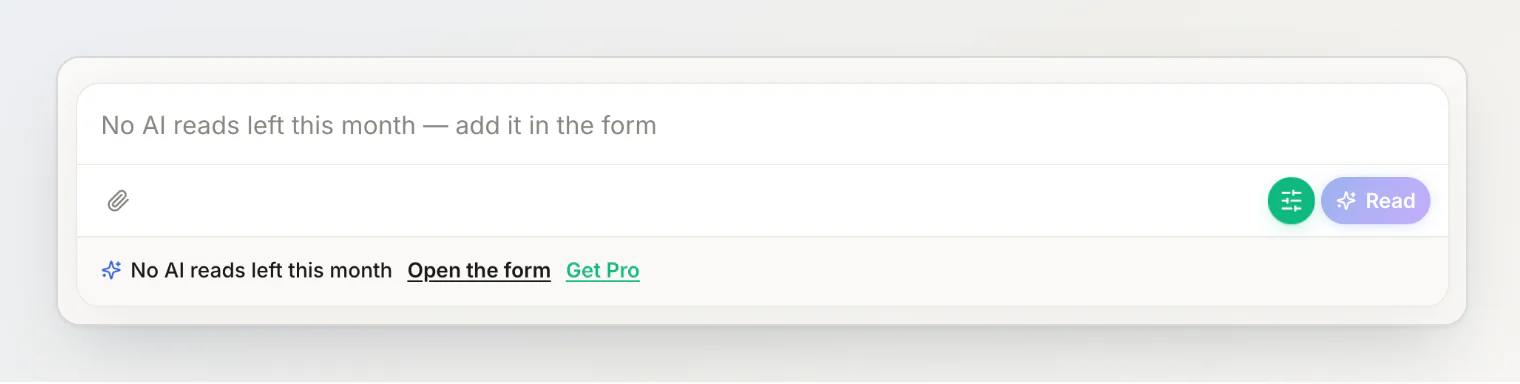
What you typed is not thrown away: it becomes the title when the form opens.
Frequently asked questions
What does the search match?
The transaction's title, case-insensitively, anywhere in it. Amounts, notes, categories and the names of people on the transaction are not searched.
Does it search other people's transactions?
No. A search narrows the transactions you can already see. Being in a group with somebody does not let you read the expenses you are not part of.
Is there a search across everything?
Yes — the Activity page searches all of your transactions, and filters them by expense or transfer. The group and person boxes are for the narrower question: where in this trip, or between us two.
Does a group hold a balance now?
No, and it will not. A group gathers people and the transactions you tag with it. Money still settles between two people, one currency at a time. See creating and using groups.
Can I still undo a delete?
No. Deleting a transaction now takes effect as soon as you confirm it, and the deletion stays in the activity feed, marked. The old five-second window could silently lose a delete if the page was reloaded in time, which is worse than no undo at all. See editing and deleting transactions.
The shape of the thing
A search box is not an interesting feature. What makes it work here is where it sits: on the page that already holds the right subset of your money. You do not search everything for a Lisbon taxi — you open Lisbon and type taxi.
If you are new to groups, start here. If you would rather type than tap, one sentence still does it.
Continue reading
How HiBill Works: A Quiet Ledger for the Money Between Friends — the whole model in one read: people, groups, balances and settling up.
How to Fix a Shared Expense After You've Already Saved It — what to do once you have found the expense and it needs correcting.
One QR code, seven people, zero group chat — why a group is a roster of people, not a ledger with its own balance.