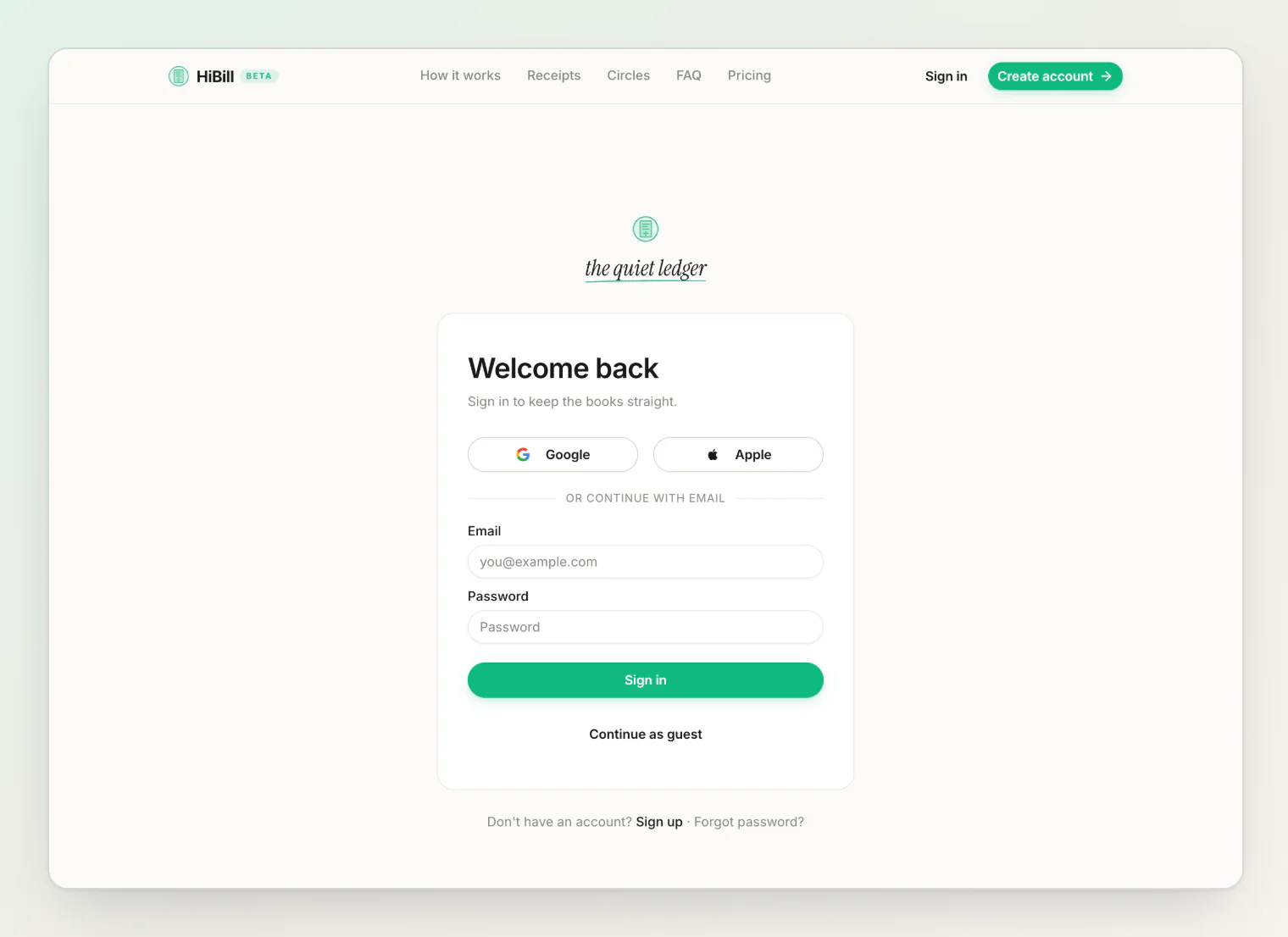
Ways to sign in
Email and password
Google
Apple
Use whichever you like. What matters is signing back in the same way each time — signing in with Google when you registered by email can land you on a second, empty account.
Trying it as a guest
You can use HiBill without creating an account. A guest account works normally — add people, record transactions, build balances.
Your data carries over when you register. Creating an account from a guest session keeps everything you already entered: people, transactions, files. You are not starting over.
Guest limitations
A guest account is tied to the browser or device you started it on. It cannot be recovered — clear your browser data or switch devices and it is gone, because there is no email or provider attached to identify you.
So a guest account is right for trying HiBill, not for keeping months of records. Once you know you are using it, register.
Verifying your email
Registering with email sends a verification message. A verified address is what you need for Email notifications, and to turn on Google sign-in for an account you registered by email.
Forgotten password
Use Forgot password on the sign-in screen for a reset link by email. It works whether or not your address is verified — and if you signed up with Google or Apple, a reset gives your account a password too.
Changing your email
You can change your account email in settings. The new address needs verifying too.
Sessions
Every sign-in on a new device creates a session. Settings shows all of them with the IP, browser, OS, device and when it was last active, with your current one marked This device.
You can end sessions individually, end all others, or end everything.
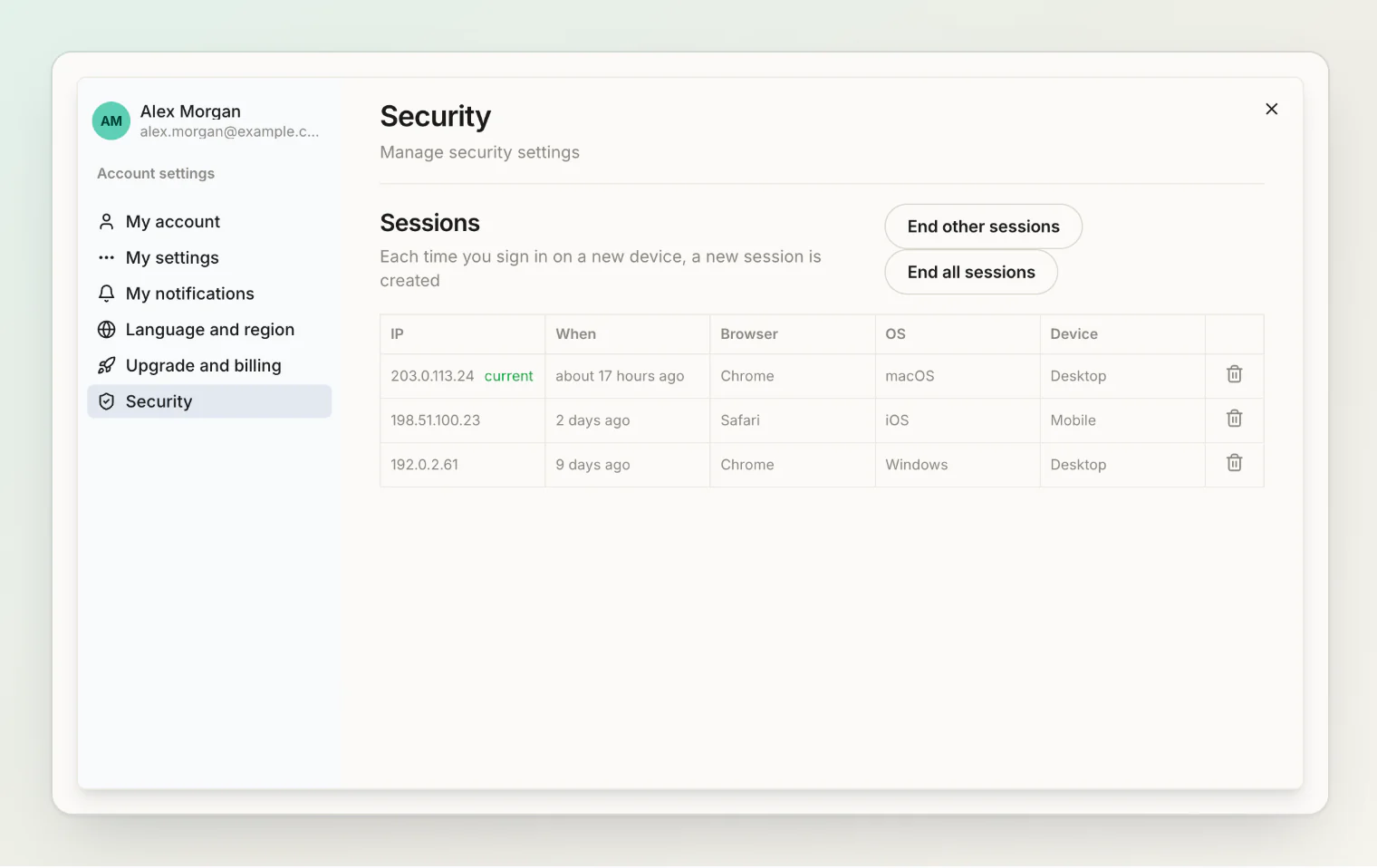
Use this when you sign in on a shared or borrowed computer and forget to sign out, or if you suspect someone else has access. Ending a session signs that device out immediately.
Reviewing the list occasionally is a good habit — a session you do not recognise is worth acting on.
Deleting your account
Deletion is permanent and covered in your data and privacy.
Continue reading
Getting started with HiBill — your first people and transactions once you are signed in.
A quick tour of the app — where everything lives, page by page.
Your data and privacy — what HiBill stores, who can see it, and how account deletion works.