What you get notified about
HiBill notifies you when something needs your attention or affects what you owe:
People
A merge request arrives, or one you sent is approved or declined
Someone joins a group you are in, or you are removed from one
Money
Someone adds you to a transaction, or changes one you are on
Someone approves or declines their share of a transaction
Someone sends you a payment reminder
Someone comments on a transaction you are part of
Your account
Subscription changes — activated, cancelled, paused or past due
Notifications are for things involving other people or your account status. Your own actions do not notify you.
Where they arrive
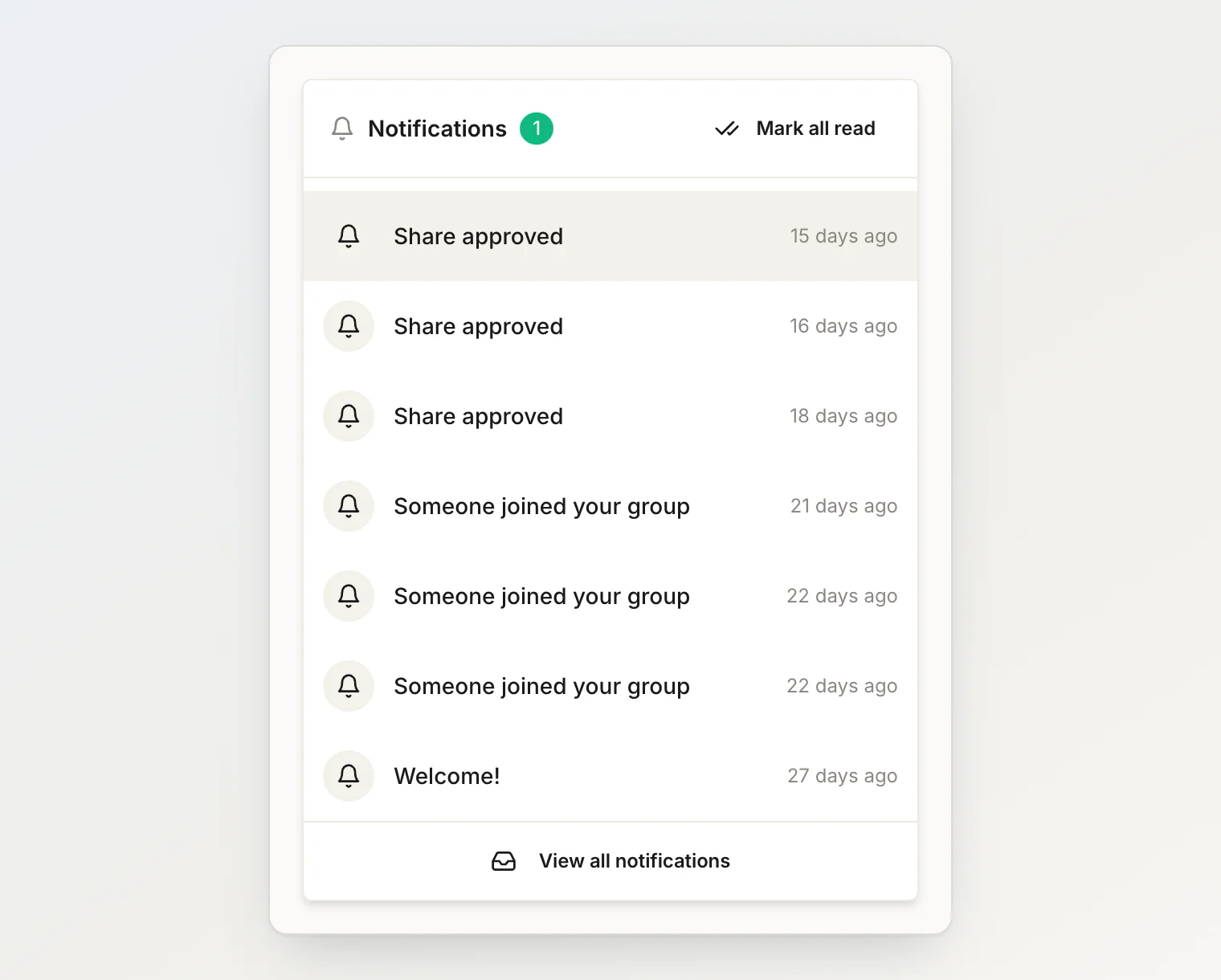
Notifications arrive in the app. The bell shows unread items; open it for the list, or see everything in settings, where you can mark all as read.
Some are also emailed to your address once it is verified: being added to a transaction, comments, payment reminders, merge requests and mentions. The Email notifications switch in Settings controls this, and it is on by default.
HiBill does not chase anyone
Worth being explicit: HiBill does not chase people for you.
Adding an expense lets the people on it know it exists — it does not send anyone a demand for money. Placeholder people receive nothing at all — they have no account to notify.
The one deliberate nudge is a payment reminder, which you send by hand, capped at one per person, per currency, every 24 hours.
Keeping the noise down
If notifications are piling up, mark everything read in settings for a clean slate. The bell is meant to be a short list of things that actually need you, so a healthy state is close to empty.
Continue reading
Settling up and payment reminders — when to send a reminder, and how to record the payment that follows.
Inviting someone to HiBill — bring someone in so they see the transactions you share.
Attachments and comments — add a photo or a note to a transaction and talk it through there.