Every transaction in HiBill is one of two kinds. Picking the right one takes a second and the rule is simple.
Expense
Somebody paid for something that several people share.
An expense is one-to-many. There is at least one payer, and a set of participants who each owe a share of the cost. The interesting part is how it splits.
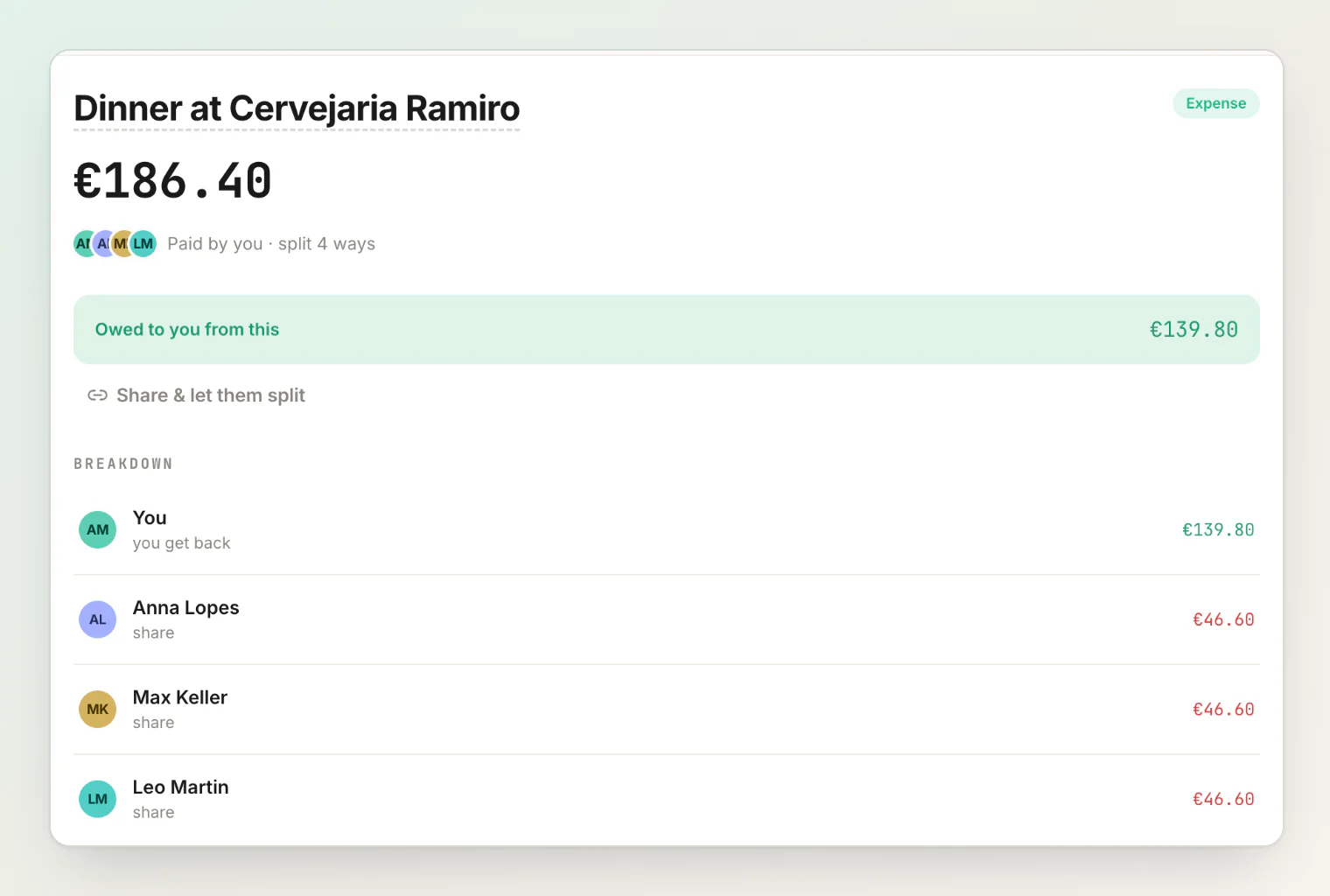
Use an expense for: dinner, groceries, a hotel room, train tickets, the electricity bill.
An expense can have several payers. If you covered €60 of a €100 bill and a friend covered €40, record both — the payer amounts must add up to the total.
Transfer
Money moved from exactly one person to exactly one person.
A transfer is one-to-one, in full. There is no split to work out; the recipient receives the whole amount. In the sentence field, gave 15 to Anna Lopes reads as You gave €15.00 to Anna Lopes.
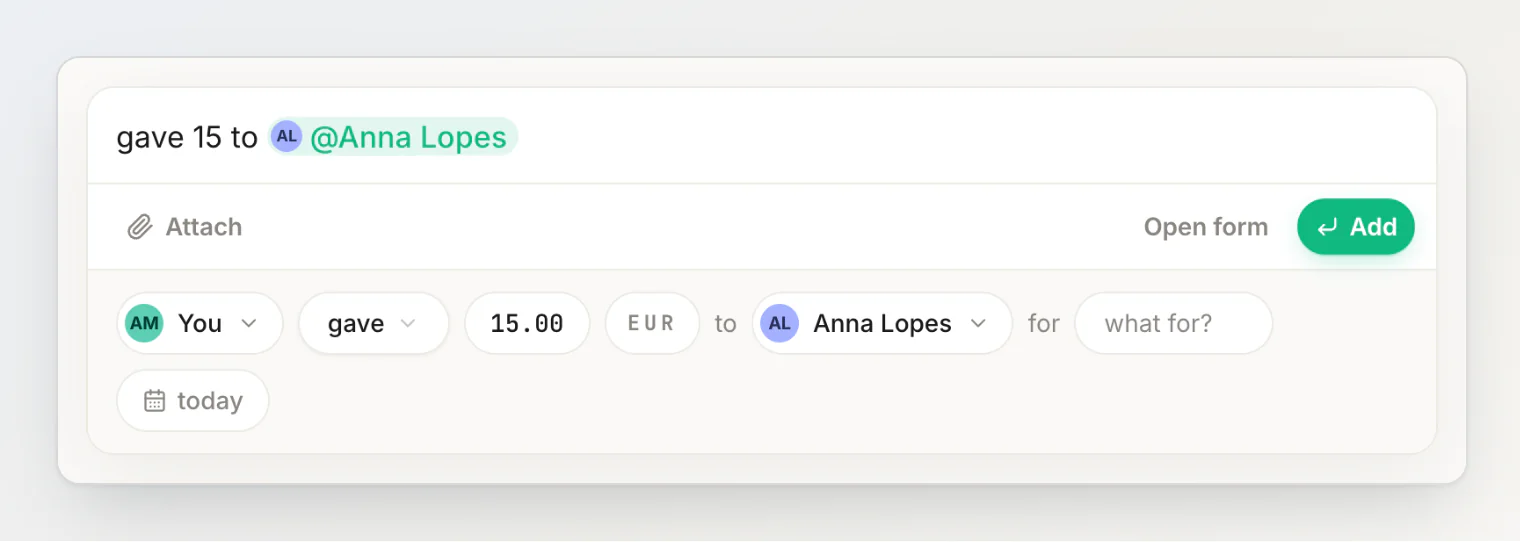
Use a transfer for: lending someone money, paying someone back, settling a balance, sending someone their share of something.
Settling up is a transfer
There is no separate "settle up" kind of transaction, and this surprises people coming from other apps. On a person's page, the handshake button in the sentence field (Settle up with …) just opens a transfer filled in with them and the amount, whichever way the money is owed.
Paying someone back is money moving from one person to one person, which is exactly what a transfer is. So you record a transfer, and the balance moves. It appears in the timeline next to everything else, because it is the same kind of event.
This means you can settle any amount at any time. There is no requirement to clear a balance completely — pay half, and the balance shows half. See settling up.
Which one do I want?
Situation | Kind |
|---|---|
Bought dinner for four | Expense |
Paid the shared electricity bill | Expense |
Lent a friend €50 | Transfer |
Paid back the €50 | Transfer |
Sent someone what I owed after a trip | Transfer |
Covered a hotel, splitting with two people | Expense |
The test: is the amount being divided? If yes, expense. If the whole amount goes to one person, transfer.
Entries HiBill writes: Simplification
You may also see an entry labelled Simplification that you did not write by hand.
These appear when you run Simplify debts and HiBill collapses a debt loop. If you owe Marco, Marco owes Aya, and Aya owes you, some of that circle cancels out. Each cancellation is recorded as a visible entry so balances never change without a reason you can see.
You trigger the process and confirm it, but you cannot author or edit these entries directly. See debt simplification.
Editing and deleting
Both kinds can be edited or deleted after the fact, and balances recalculate. A deleted transaction stays in Activity, marked deleted, and an edit is recorded in the transaction's own activity log — an edited transaction is not a silent one. See editing and deleting transactions.
Continue reading
Understanding balances — how expenses and transfers add up to the balance with each person, one currency at a time.
Settling up and payment reminders — record a payment back, in full or in part, and send a nudge.
Two kinds of transaction is all you need — why loans, paybacks and settlements all became one of these two.